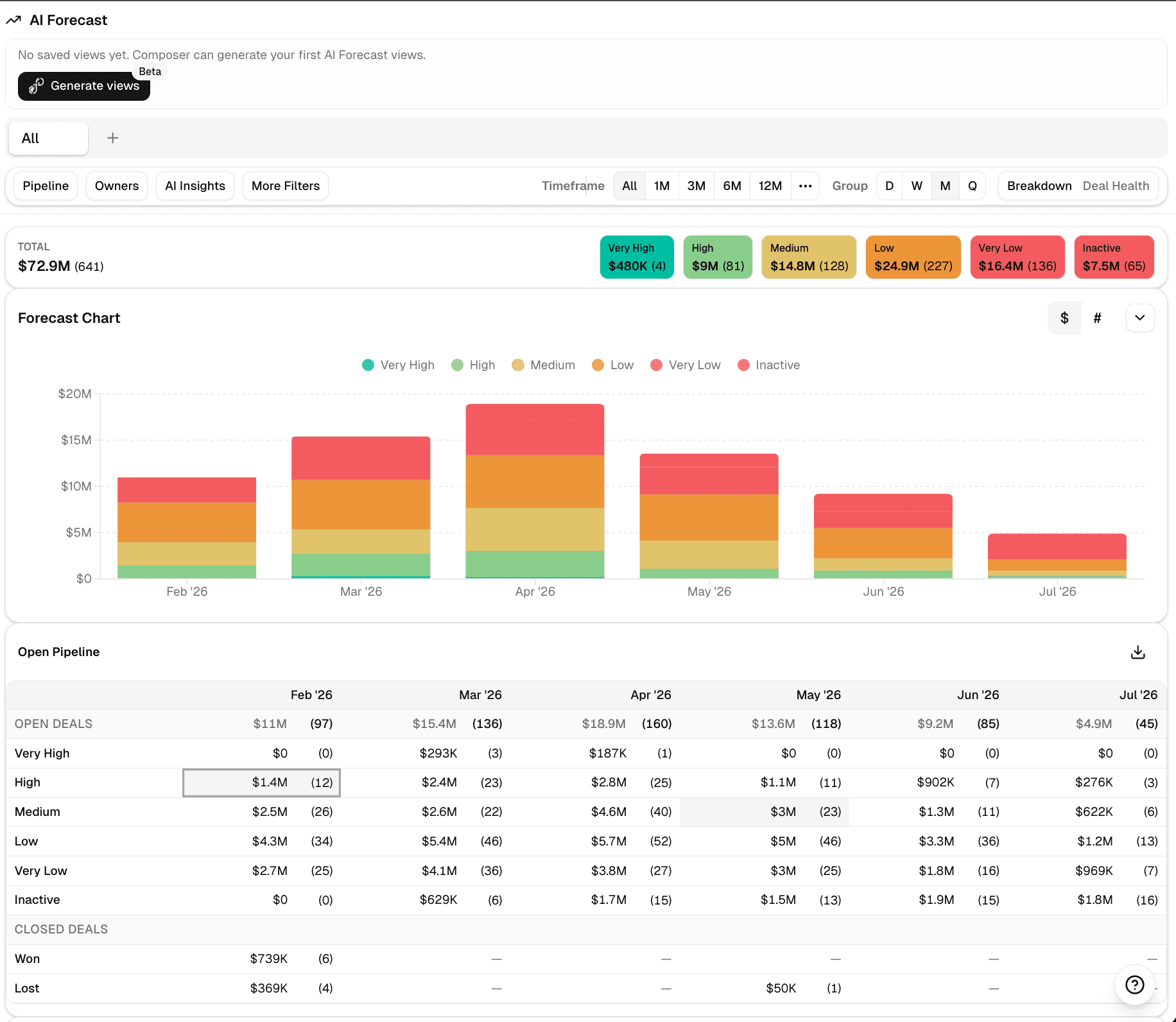
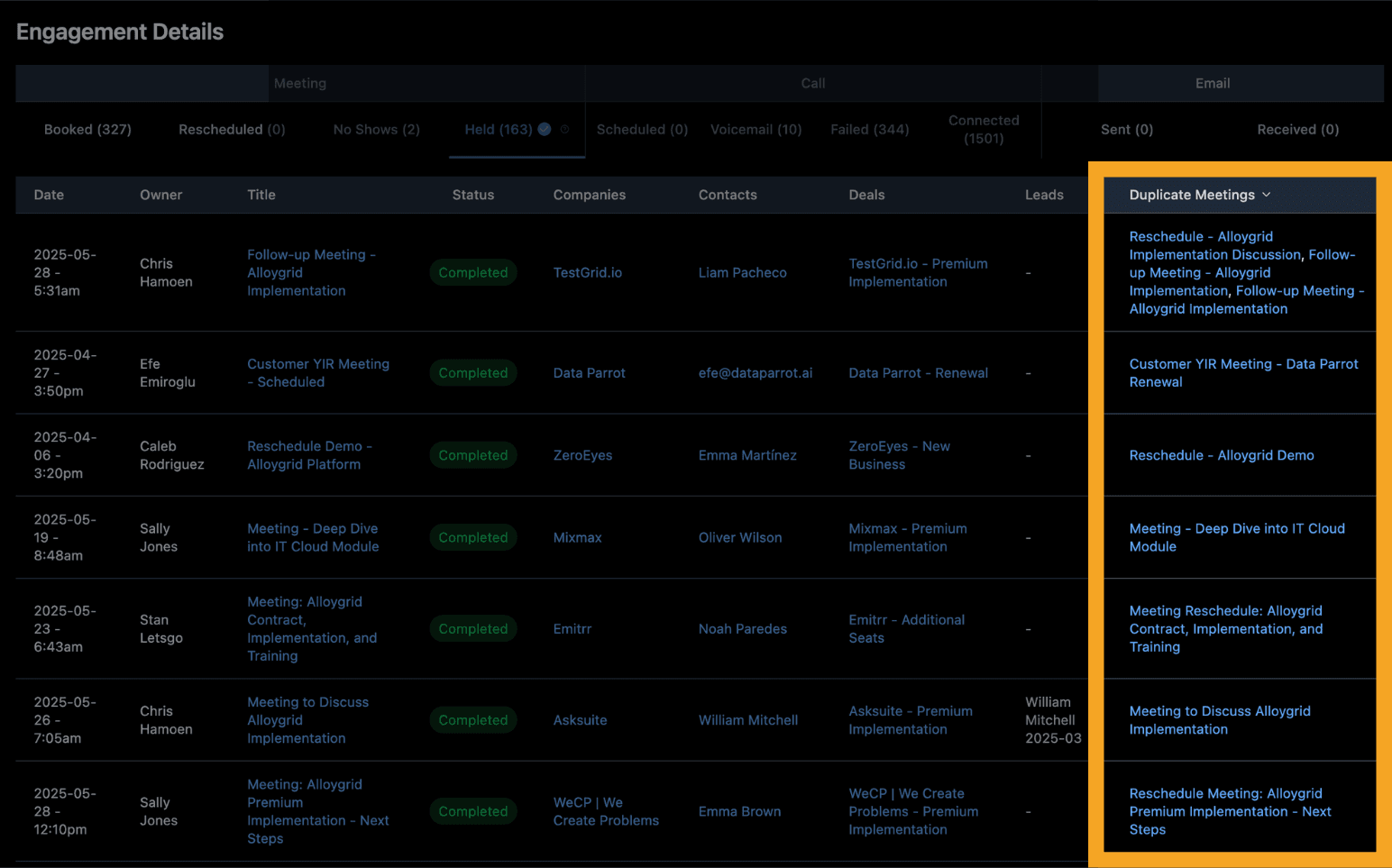
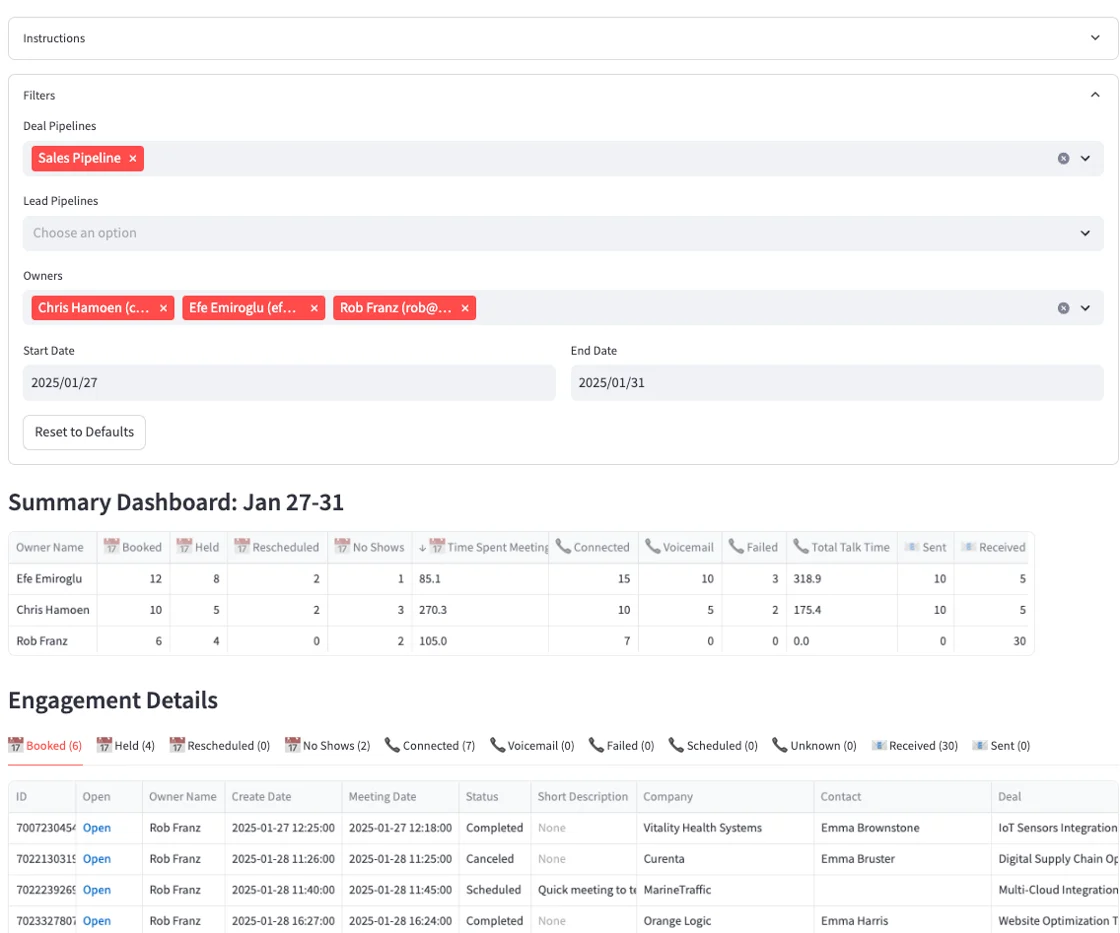
AI Forecast now has three major additions: forecast briefs, AI-generated scenarios, and HubSpot Goals support. This is a meaningful step forward for the forecast workflow, especially if your team is already using AI Forecast every week.
The goal is simple: review forecast quality faster, build targeted views without manual setup, and compare pipeline against targets in one place.
Generate a forecast brief with AI
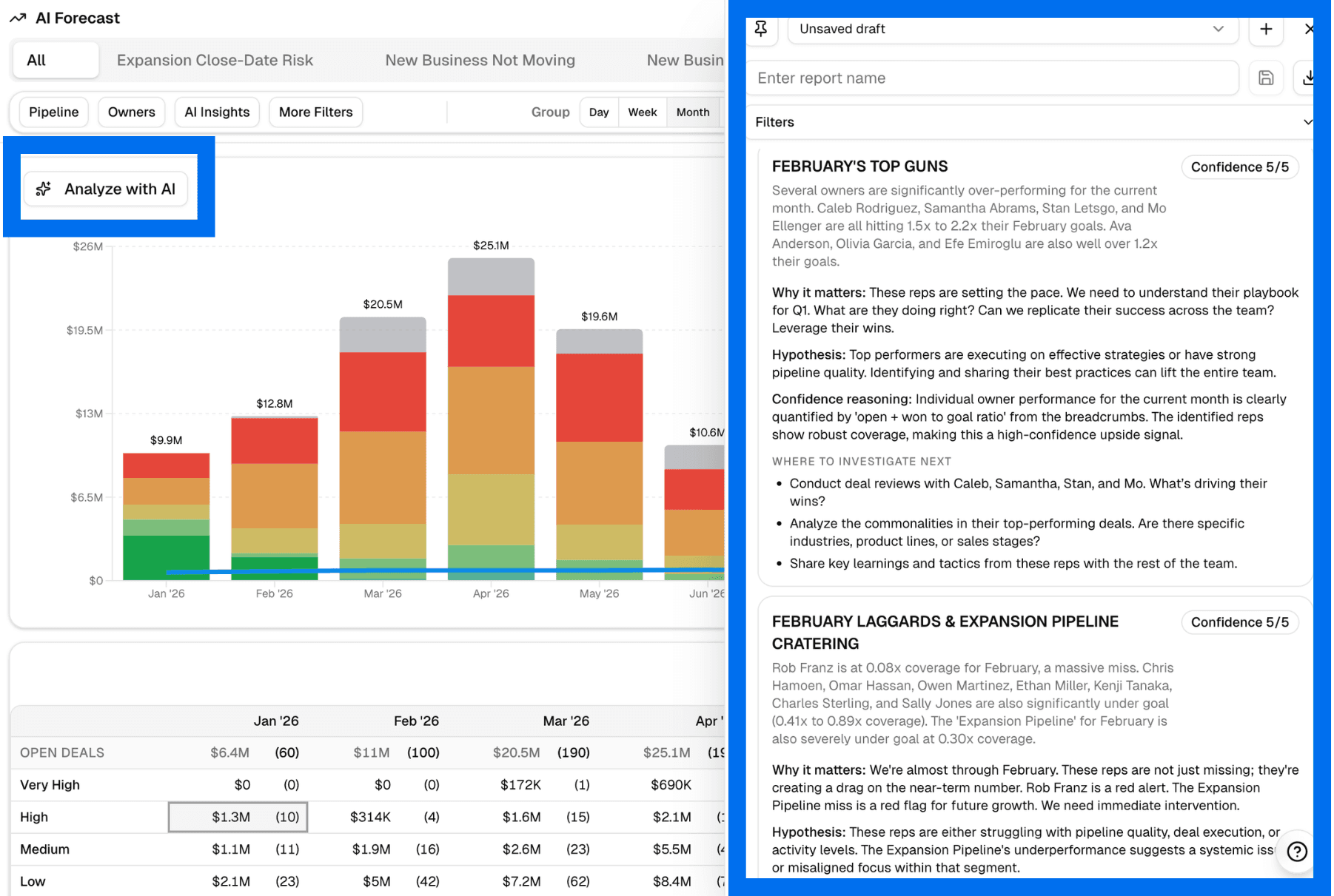
Analyze with AI creates a forecast brief based on your current filters and timeframe. The brief highlights upsides and risks, includes confidence scoring with reasoning, recommends next steps, and can be downloaded as markdown or PDF.
It gives teams a faster way to get oriented before drilling into individual deals.
Build forecast scenarios with AI Composer
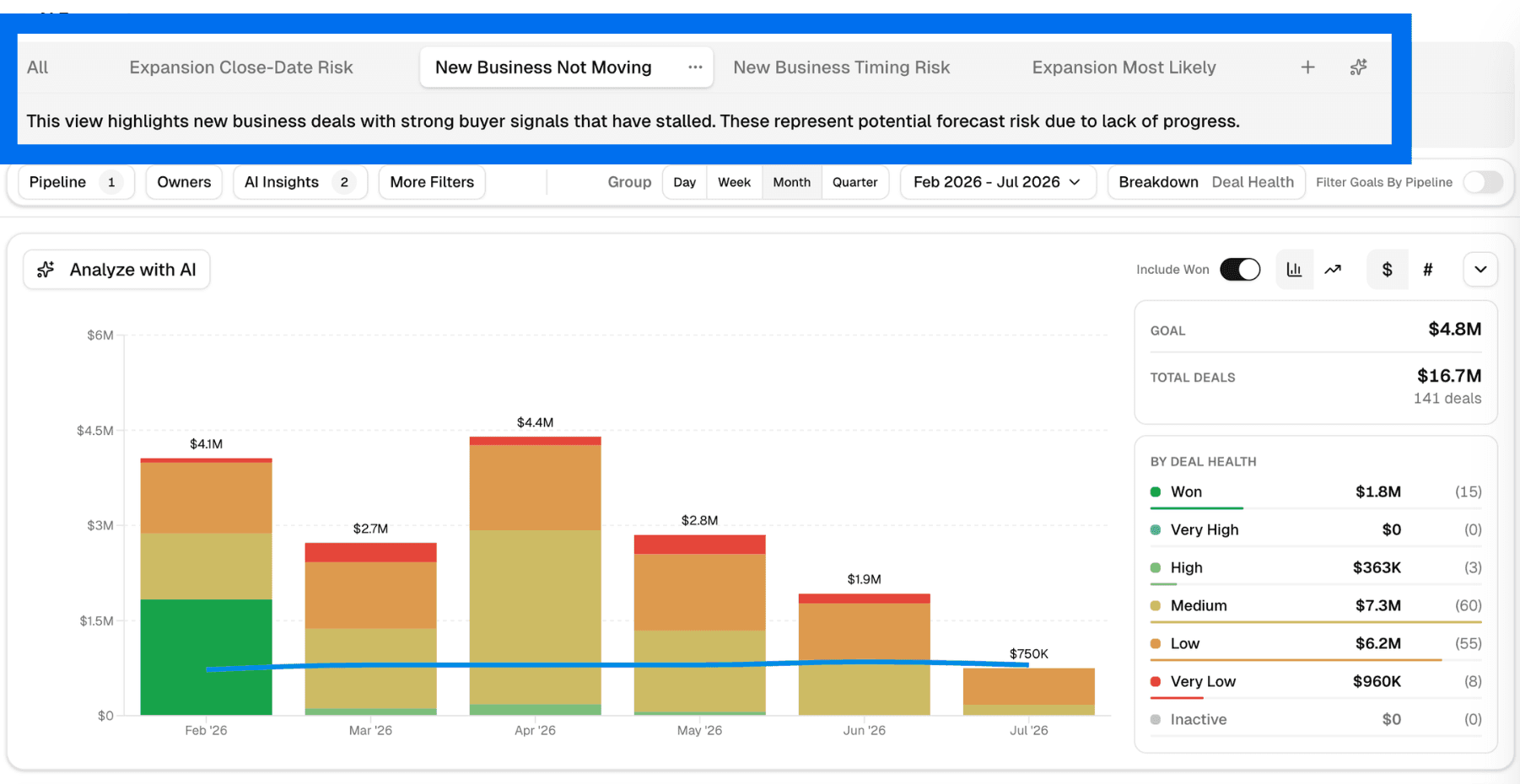
AI Composer can now generate forecast scenarios as saved views. You describe what you want to see, and it creates the filters, time range, and columns for that view.
That makes it easier to build focused scenarios such as at-risk expansion deals, stalled new business, or near-term opportunities without rebuilding the same view each time.
HubSpot Goals are now built into AI Forecast
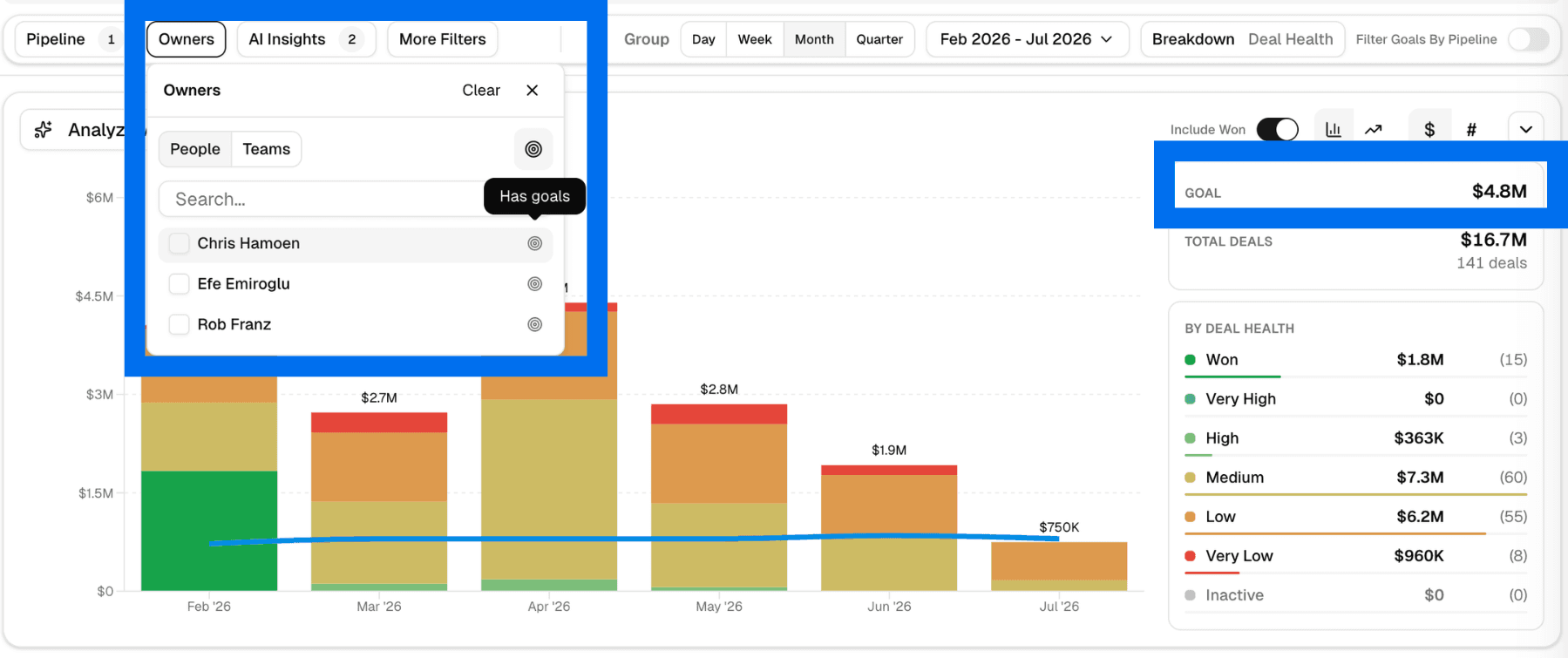
AI Forecast now supports HubSpot Goals directly in the worksheet. You can see which users have goals, compare goals against forecast, and click any goal to open the underlying breakdown.
For teams working in HubSpot, this keeps target tracking and forecast review in the same workflow.
Getting started
Open AI Forecast to use Analyze with AI, AI Composer, and HubSpot Goals. If goals do not appear, refresh your HubSpot connection from settings.