Data Parrot v3 is now live. This first release adds in-app Briefs, a major update to AI Forecast, and a cleaner interface across the app.
It also adds custom properties in filters and columns, tables you can add to, resize, reorder, and trim, saved views, remembered page state, and 28 built-in themes.
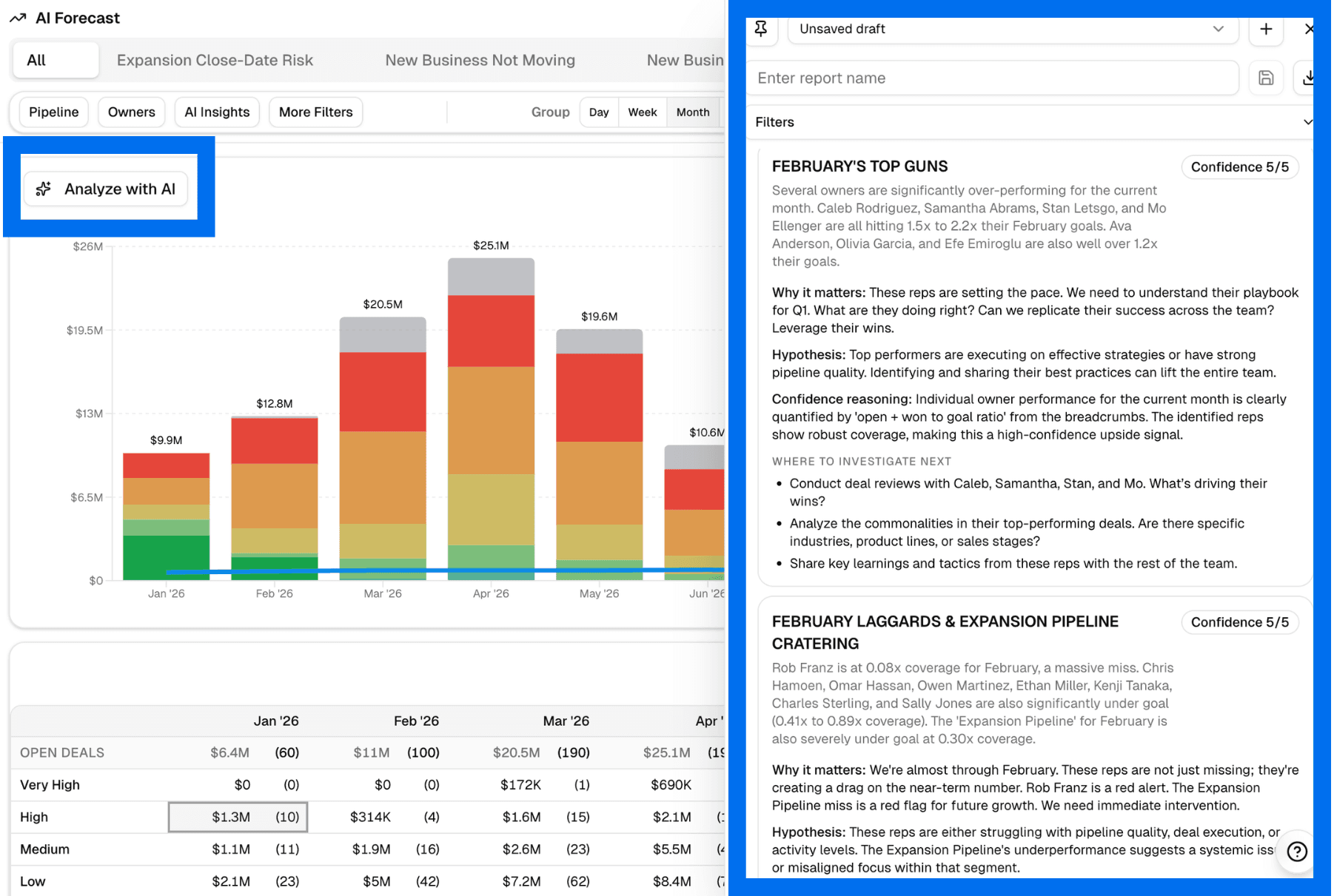
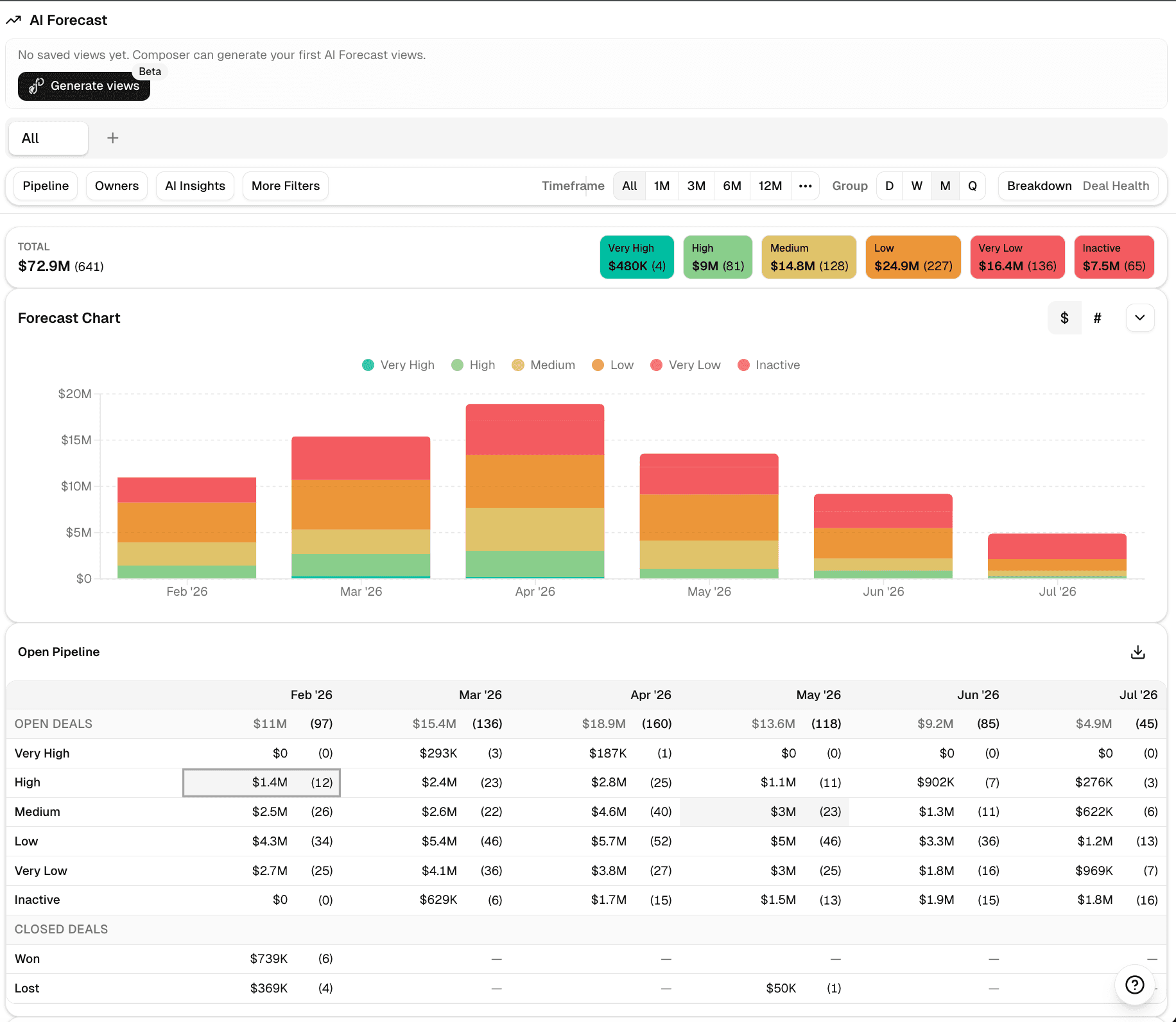
AI Forecast now includes saved views, custom-property filters, and an interactive matrix
AI Forecast now includes saved views, custom-property filters, and direct controls for time range and grouping. You can save as many views as you need and adjust the forecast from the page itself.
There is also an interactive matrix that includes won and lost deals. Click any cell to open the deals behind that part of the forecast.
Briefs are now in the app
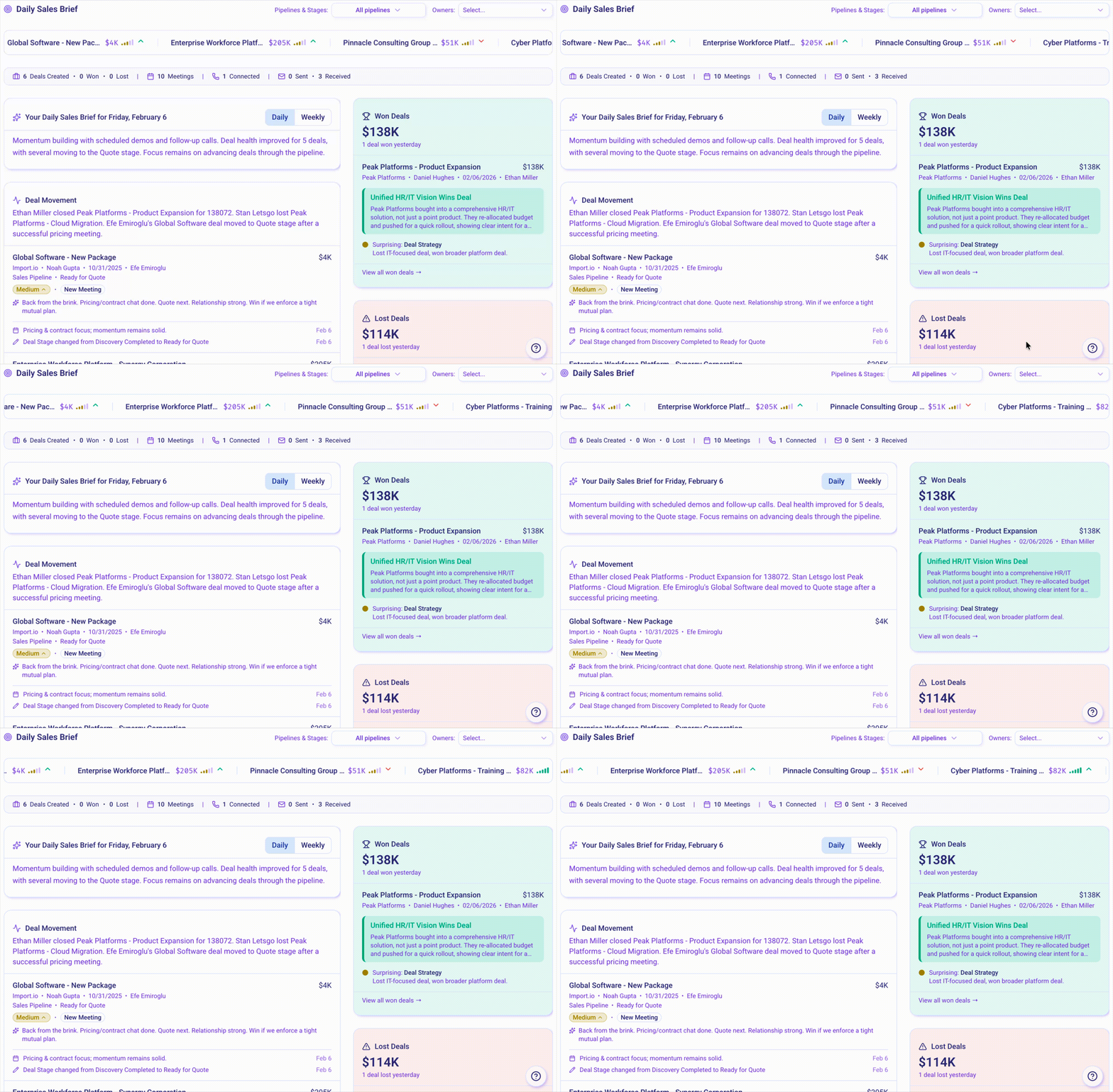
Daily and weekly Briefs now live inside Data Parrot. The Briefs page shows open deal movement, activity summaries, won and lost deals, and a Deal Wire with updates to your deals.
For teams already using Briefs and deal health, this gives you one place to review what changed instead of relying only on notifications.
Custom properties, saved views, and table controls
Custom properties are now available in columns and filters across the app. Tables support adding, removing, resizing, and reordering columns, so you can keep the fields your team actually uses.
Saved views now work across the app, and Data Parrot remembers your last setup when you come back. That means less time rebuilding the same table and filter setup each time.
28 built-in themes
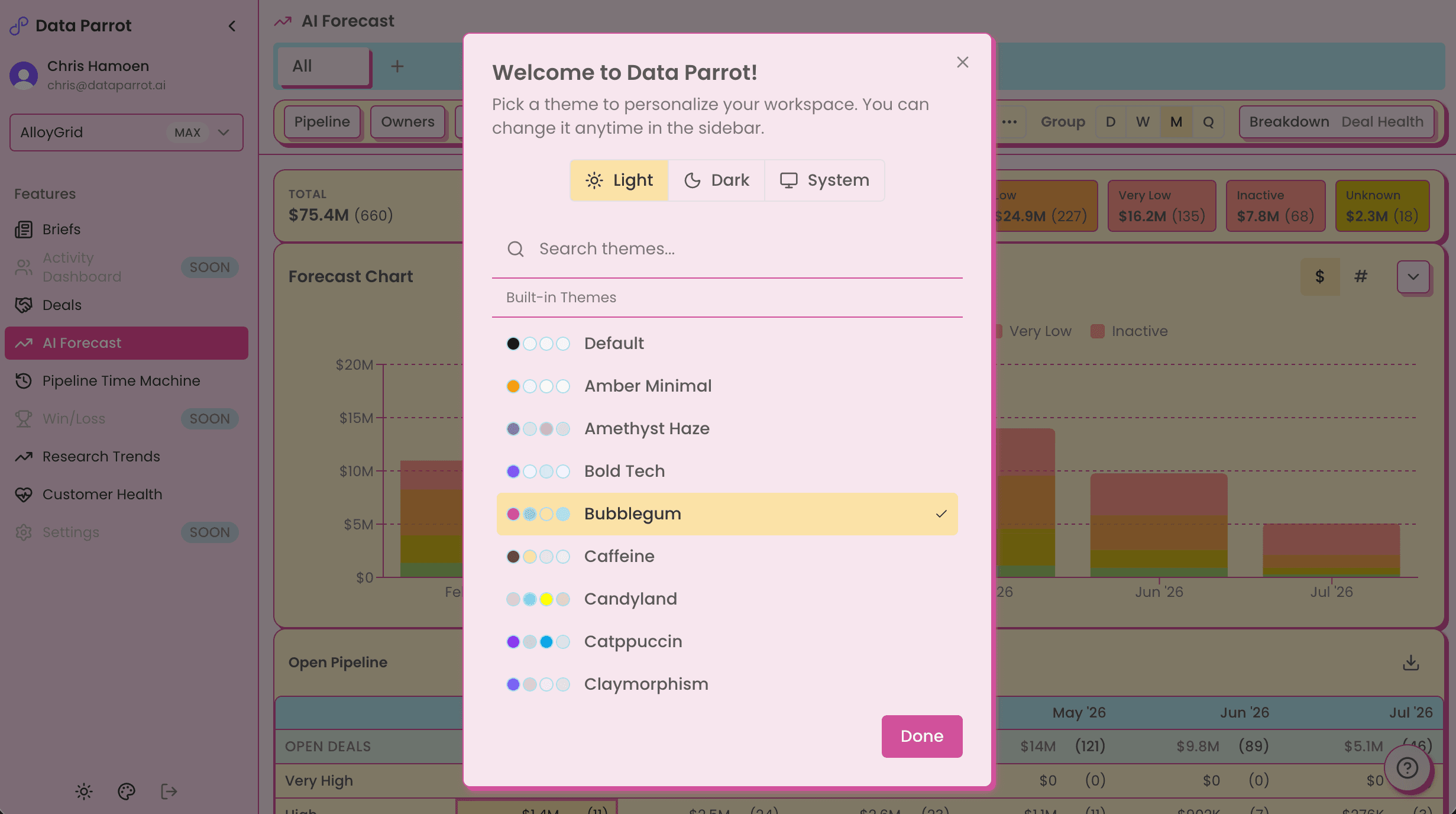
This release also adds 28 built-in themes. Each one supports light and dark mode, and you can switch themes from the sidebar at any time.
Getting started
Open AI Forecast ↗ and Briefs ↗ in Data Parrot to start using these updates. The previous app remains accessible from the sidebar.