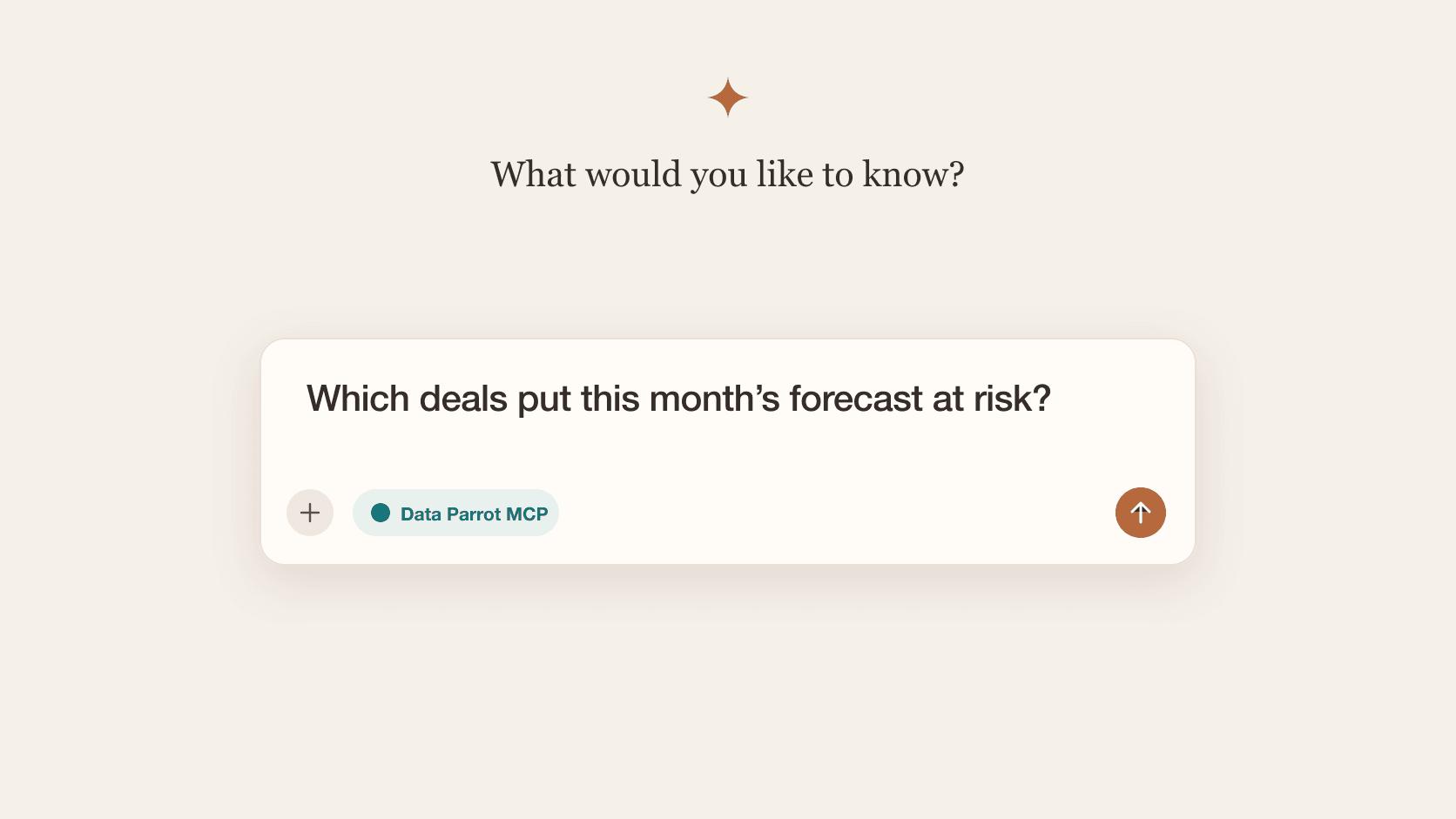
The New Interface is Here
We shipped a major interface redesign that makes Data Parrot faster to navigate and easier on the eyes. You now have both light and dark mode options, so you can pick what works best for your workflow.
What's New
Choose Your View: Light or Dark Mode
Working late? Switch to dark mode. Prefer a brighter interface? Light mode has you covered. The toggle is right in your settings, and your preference saves automatically.
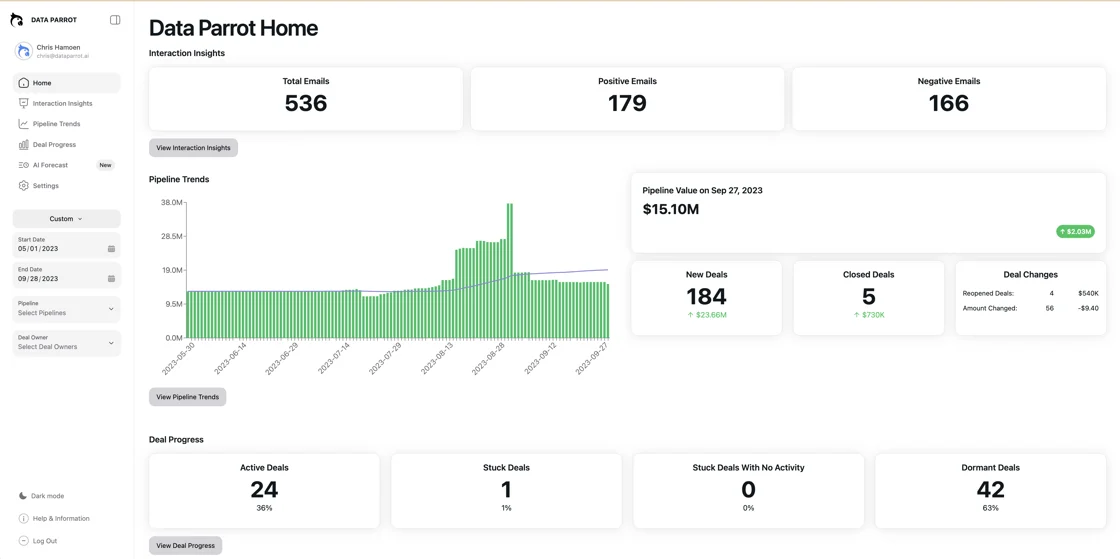
Pipeline Trends That Show Exactly What Changed
The pipeline trends view now highlights specific changes in your deals. No more guessing what moved or why. Every change is tracked and displayed clearly, so you can see exactly which deals progressed, which got stuck, and what needs attention.
Better Navigation Flow
The app structure remains familiar, but navigation is smoother:
- Home gives you a quick summary of everything happening across Data Parrot
- Interaction Insights shows AI analysis of emails for open deals, plus key trends across all communication
- Deal Progress reveals which deals are moving forward and which need attention
- AI Forecast categorizes your deals by purchase intent level
- Settings lets you manage users, connect Slack, and customize notifications
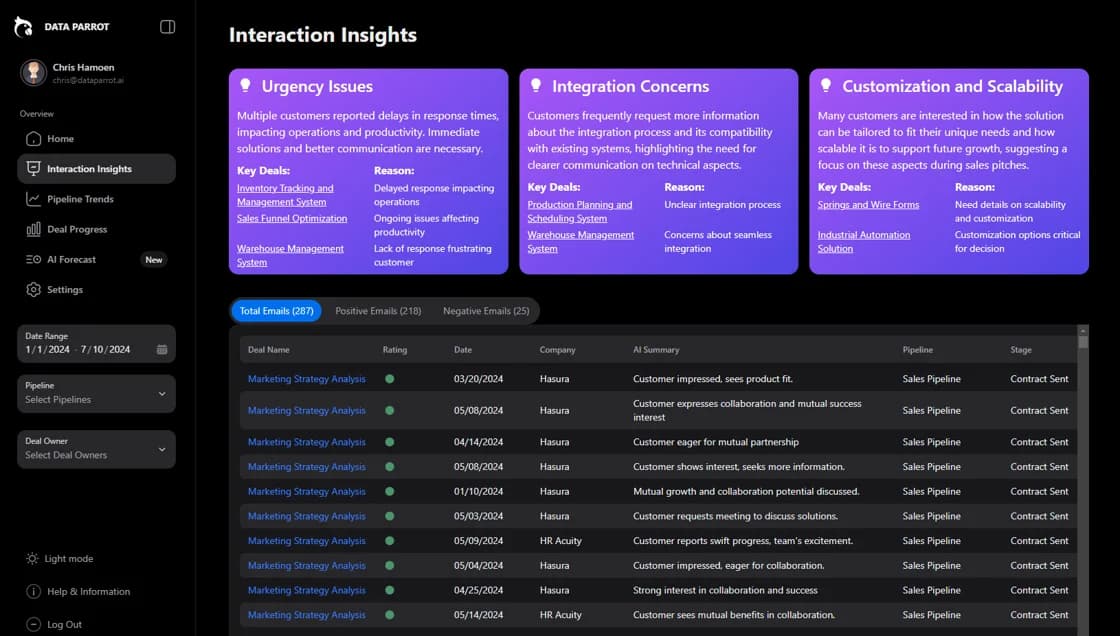
Key Trends Analysis in Interaction Insights
The updated Interaction Insights section now includes AI-powered Key Trends analysis. This feature automatically identifies patterns in your email communications across all deals, surfacing important signals you might otherwise miss.
Getting Started
The new interface is already live in your account. Just log in to see the updates. Your existing data and settings carry over automatically, so there's nothing you need to migrate or reconfigure.
If you have questions about the new interface or want to share feedback, reach out to our support team. We built this based on your input, and we're always looking for ways to make Data Parrot work better for your sales process.