The Data Parrot MCP Server is now available.
Connect Data Parrot to ChatGPT or Codex, Claude, Grok, or other supported AI tools.
Data Parrot has already analyzed how your company sells and what is happening across your sales organization, from individual deals and customers to the forecast and the patterns behind wins and losses. The Data Parrot MCP Server makes that work available to your AI, so you can ask your own questions and inspect the activity and evidence behind the answer.
Built for Revenue Leaders on HubSpot
If you’re a CEO, CRO, or VP Sales using HubSpot, you can ask your own questions without first explaining your business in a long prompt, cleaning up every CRM field, or waiting on RevOps. Data Parrot has already handled the onboarding and analysis, so you can use the answers in the AI tools and workflows you already rely on.
- Spend less time explaining your business to AI. Data Parrot has already figured out how your company sells and analyzed what is happening across your deals. Your AI starts there, so you can get straight to the question.
- Your CRM does not have to be perfect. Data Parrot uses CRM fields alongside what customers actually said and did in emails, calls, meetings, transcripts, and other connected activity. It does not depend on every rep keeping every field complete and current.
- A RevOps data analyst, on demand. Ask the question in the AI tool you already use. Data Parrot supplies the analysis and supporting details, so you can get the answer without sending another one-off report request to RevOps.
- Start your AI workflows with the analysis already done. Use Data Parrot in workflows you already run or build new ones for forecast decks, sales briefs, and recurring updates. Data Parrot supplies the analysis; your AI tool creates or updates the files when those apps are connected.
- No setup. No implementation. Data Parrot AI onboards itself. Create your Data Parrot account, connect HubSpot, and Data Parrot gets to work. Once onboarding is complete, add the Data Parrot MCP Server to your AI tool and start asking questions.
What does the Data Parrot MCP Server do?
Data Parrot connects to HubSpot and analyzes your deals, pipeline, sales activity, customer accounts, and won and lost business. It uses CRM records, emails, calls, meetings, notes, property changes, transcripts, and buyer engagement when that information is available.
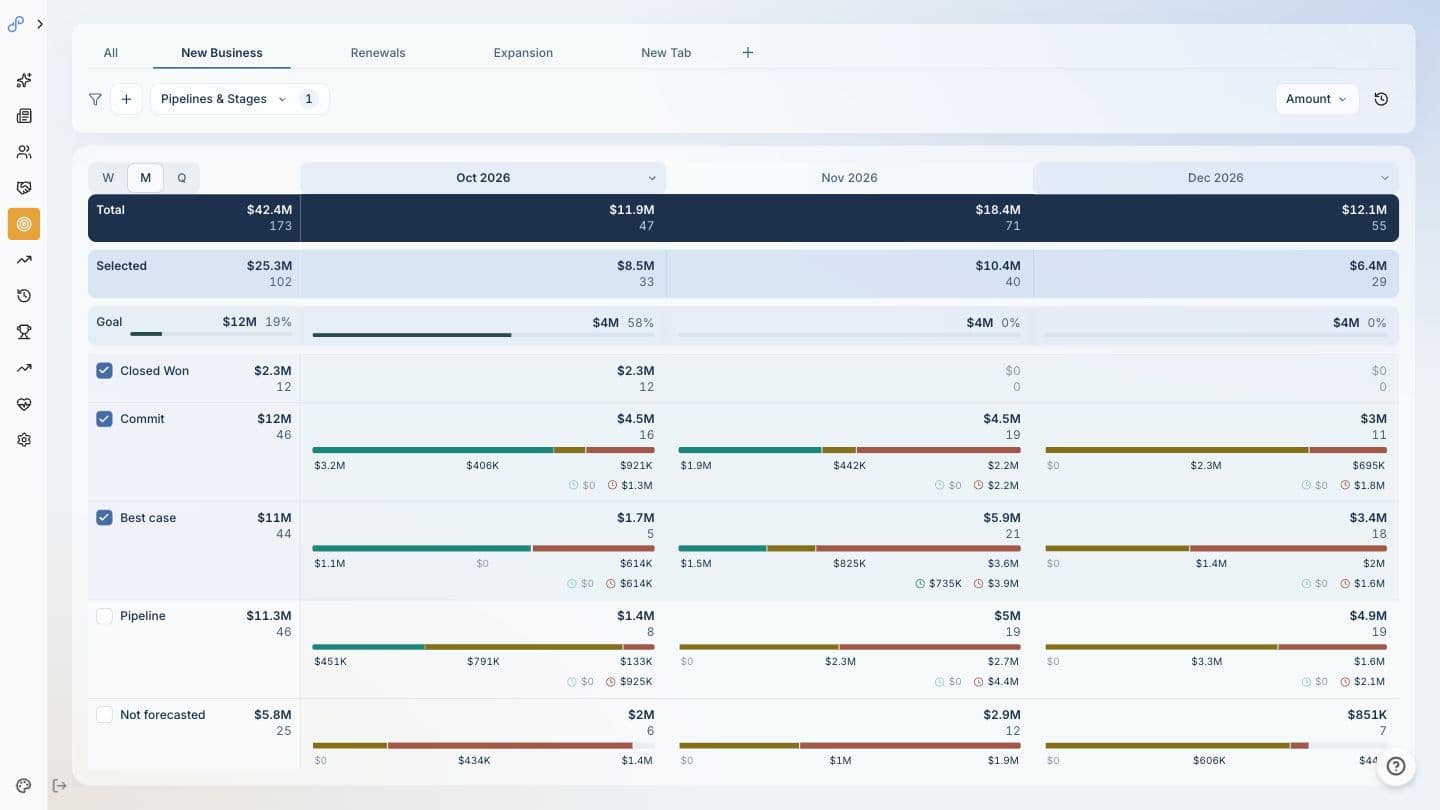
For open deals, that includes deal health, purchase intent, deal progress, stage confidence, close-date confidence, and forecast risk. Data Parrot also analyzes pipeline movement, customer health, and the reasons deals are won or lost.
MCP stands for Model Context Protocol. The Data Parrot MCP Server gives supported AI tools read-only access to Data Parrot’s analysis, including the deals, customers, timelines, and evidence behind it. You can ask a broad question, examine the deals behind the answer, and keep drilling into the evidence without rebuilding the analysis in a spreadsheet.
What can you ask through the Data Parrot MCP Server?
You can use the server for questions that come up in forecast calls, pipeline reviews, deal reviews, sales 1:1s, customer reviews, and board preparation.
For example:
- “Where will we land this month? Include closed-won revenue, a realistic remaining forecast, best case, and the deals that could move the number.”
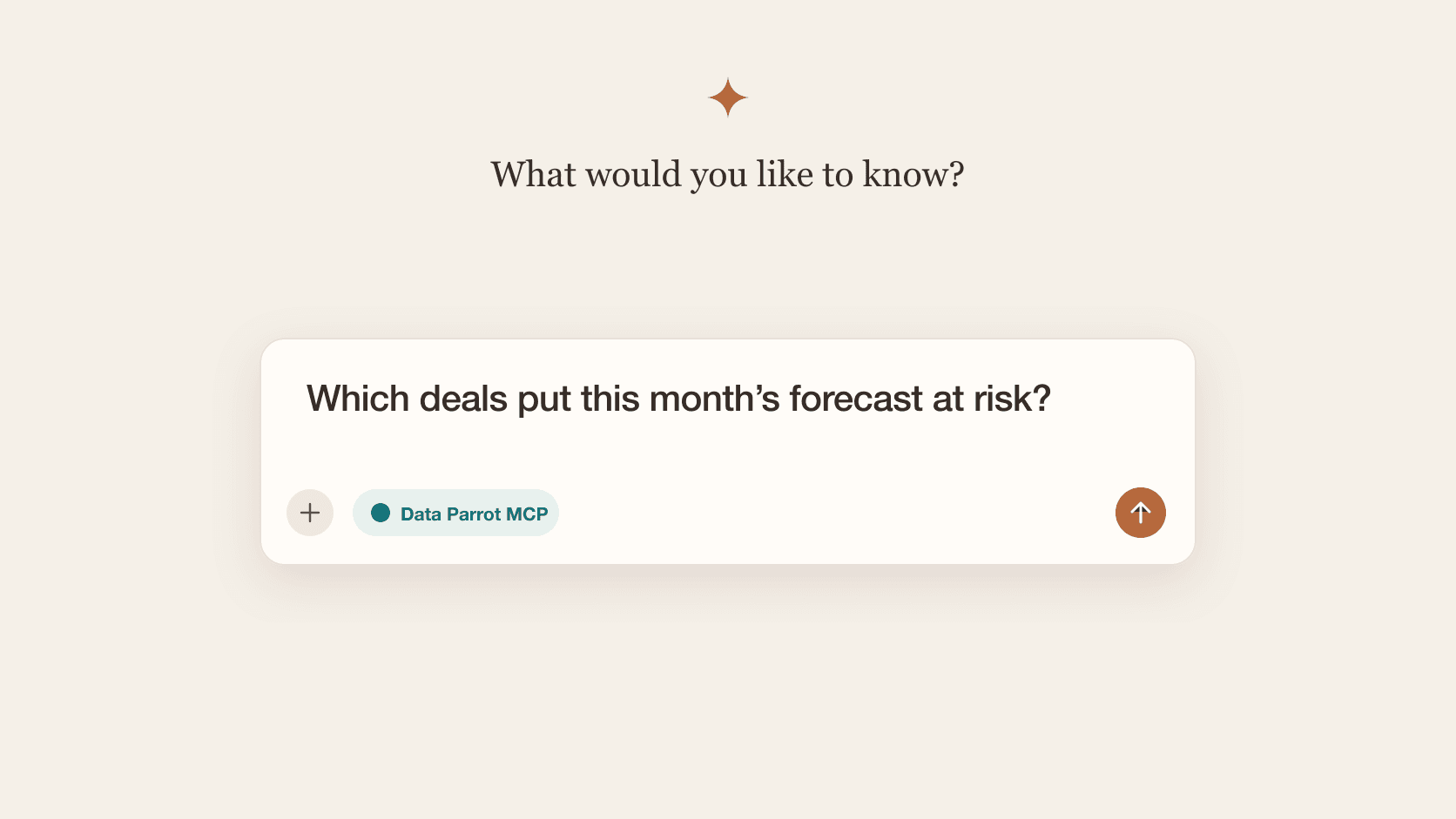
- “Which deals put this month’s forecast at risk?”
- “Which high-value deals have strong buyer intent but are stuck or going quiet?”
- “What grew or shrank our pipeline this quarter, and which deals caused the change?”
- “Which reps need coaching right now, and which deals should we review with them?”
- “Which high-value customers should we be worried about?”
- “Why are we winning and losing?”
The Data Parrot MCP Prompt Library includes ready-to-copy prompts for forecasting, pipeline analysis, deal reviews, coaching, sales activity, customer health, and win/loss.
Build automations and workflows with the Data Parrot MCP Server
You can use the server for a single question or as one step in a larger workflow with the other tools available to your AI client.
For example:
- Create an editable PowerPoint deck with the latest forecast, pipeline changes, deal risks, and win/loss analysis
- Update a Notion sales page with the current forecast and the deals leadership needs to review
- Write a forecast brief, deal review, or sales 1:1 into Google Docs
- Refresh a Google Sheet with forecast ranges, at-risk deals, pipeline movement, or customer risk
If your AI tool supports scheduled automations, you can run the same workflow each Monday, before a forecast call, or at month end. The Data Parrot MCP Server remains read-only. The AI tool creates or updates the file only when the destination app is connected and you grant access.
Data Parrot Does the Analysis Before Your AI Answers
Before your AI tool answers a question, Data Parrot has already figured out how your company operates and sells. It recognizes your teams, processes, customers, pipelines, deal types, sales cycles, and the fields your company uses. As those change, Data Parrot adapts automatically. There is no manual mapping or ongoing maintenance.
It's not enough to rely on fields in your HubSpot CRM alone to make business decisions. A deal can have a close date this month and a late stage, but the buyer has stopped responding. Another deal can be marked Commit, but procurement or legal hasn't started. A deal can be sitting in Discovery even though the customer has an urgent problem to solve and no follow-up is scheduled.
Data Parrot combines those fields with emails, calls, meetings, transcripts, buyer activity, and information from other connected sources such as Fathom, Zoom, and Aircall. It uses that information to assess whether deals are healthy, what is likely to close, how pipeline is changing, which customers are at risk, and why deals are won or lost.
The Data Parrot MCP Server makes that analysis and the supporting data available to your AI tool. ChatGPT, Claude, Codex, Grok, or another supported AI tool can then use it to answer questions, create documents, or run workflows.
How do you use the Data Parrot MCP Server?
New to Data Parrot? Create an account with Google, Microsoft, or your email and password, then connect HubSpot. Data Parrot will complete its initial analysis. The Data Parrot MCP Server is included with Pro and Max plans. The server is read-only, so it cannot edit deals, change HubSpot properties, or update records in HubSpot or Data Parrot.
To get started:
- Open the Data Parrot MCP connection guide and choose ChatGPT, Codex, Claude, Grok, or another AI tool that supports remote MCP servers.
- Add the Data Parrot MCP Server, sign in through your browser, and approve the connection.
- Ask your first question, or copy one from the Prompt Library.
ChatGPT currently requires Developer mode. Your company may also require an owner or admin to add a custom connector. HubSpot per-user permissions do not carry over to the MCP connection. Anyone given access to the connection can access all Data Parrot data and synced HubSpot data for the selected company, so admins should grant access accordingly.
The Data Parrot MCP FAQs cover plan access, data scope, company selection, supported AI tools, and how the Data Parrot MCP Server differs from the HubSpot MCP server. For how the two servers work together, read HubSpot MCP Server vs. Data Parrot MCP Server.
Connect your AI tool to the Data Parrot MCP Server and start with a question from the Prompt Library.