Feb 20, 2025
Team filtering is now available across the app, accelerated HubSpot sync can run every 15 minutes for 2 hours, and Deal Pulse Mode now shows a live forecast impact chart.
Last updated
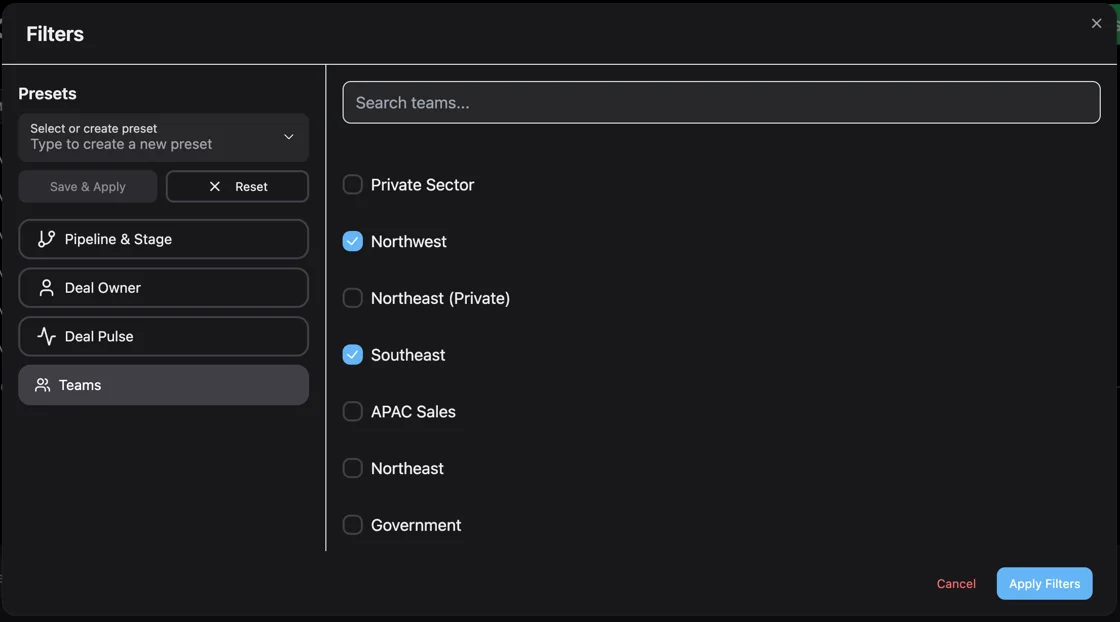
Filtering by team: Team filtering is now available everywhere in the app including the Team Activity Dashboard in Playground and for Deal Pulse Mode. You can save team filters to presets, and filter by Team and Deal Owner at the same time for maximum flexibility. Filter your AI Forecast ↗
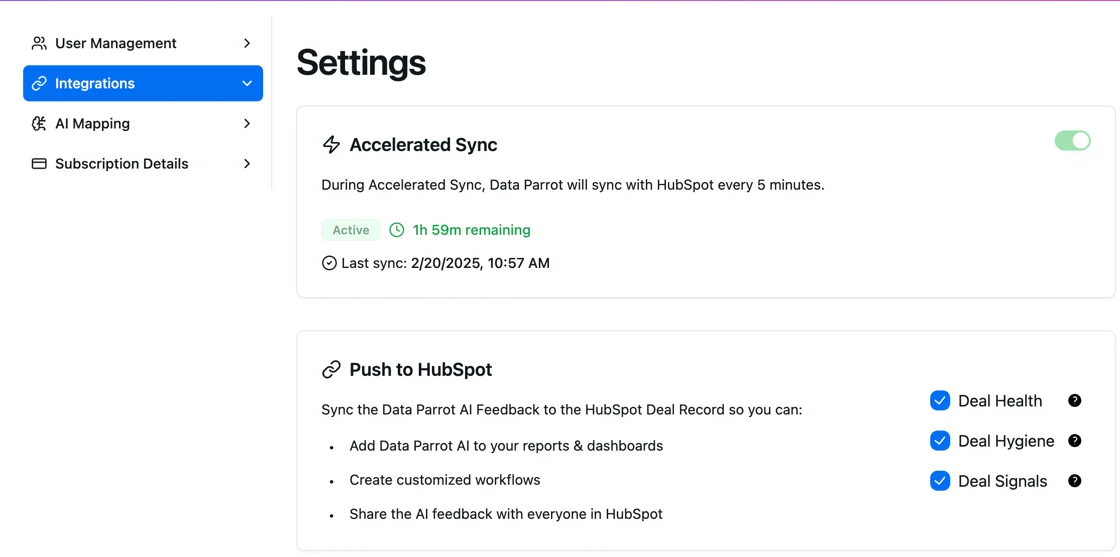
Accelerated HubSpot sync: In Settings you can now activate accelerated sync, which increases the sync frequency to every 15 minutes for 2 hours. The default is hourly. You can also see the last time the HubSpot sync was completed. Deal Pulse Mode automatically activates accelerated sync. Turn on Accelerated Sync ↗
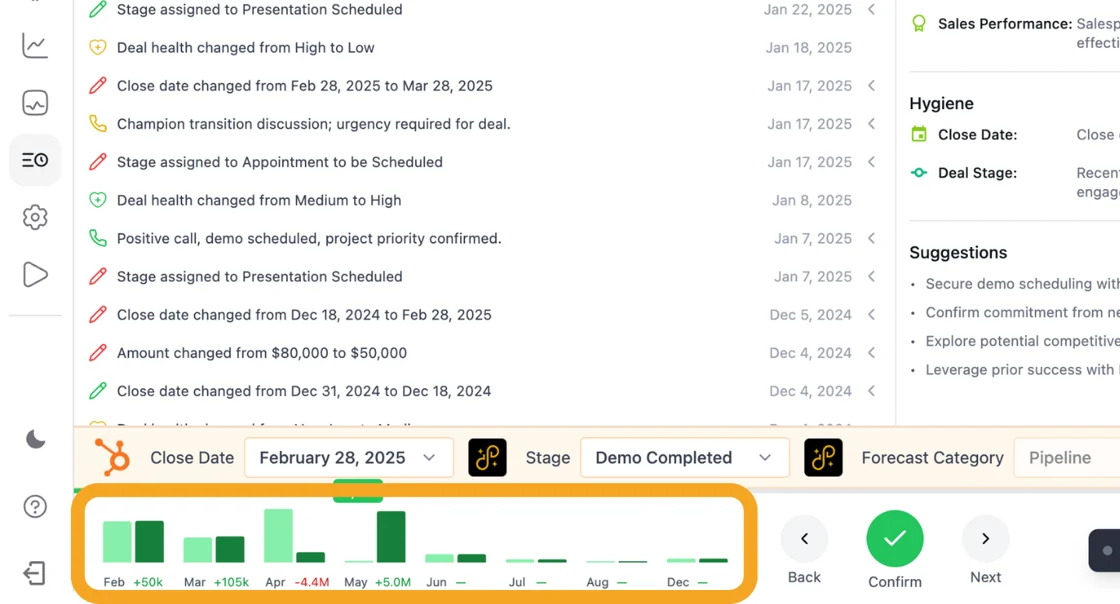
Deal Pulse Mode chart: As you go through Deal Pulse Mode and update your deals, you see a live update for your Forecast. The light green bar is the original state, and the dark green bar is the updated state. Note: changes made directly in HubSpot during Deal Pulse Mode will not currently be reflected -- only changes made in Deal Pulse Mode and confirmed will display. Go to Deal Pulse ↗