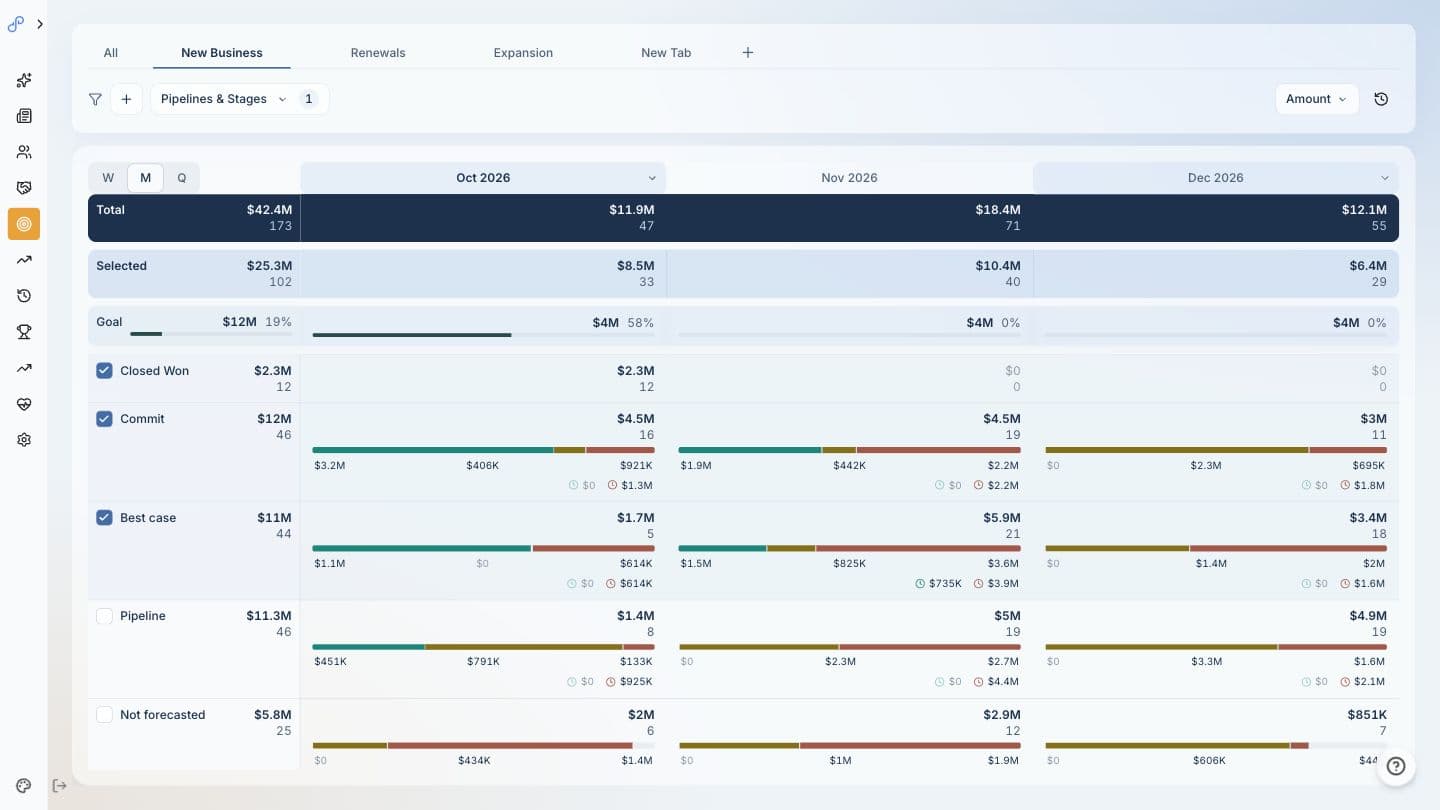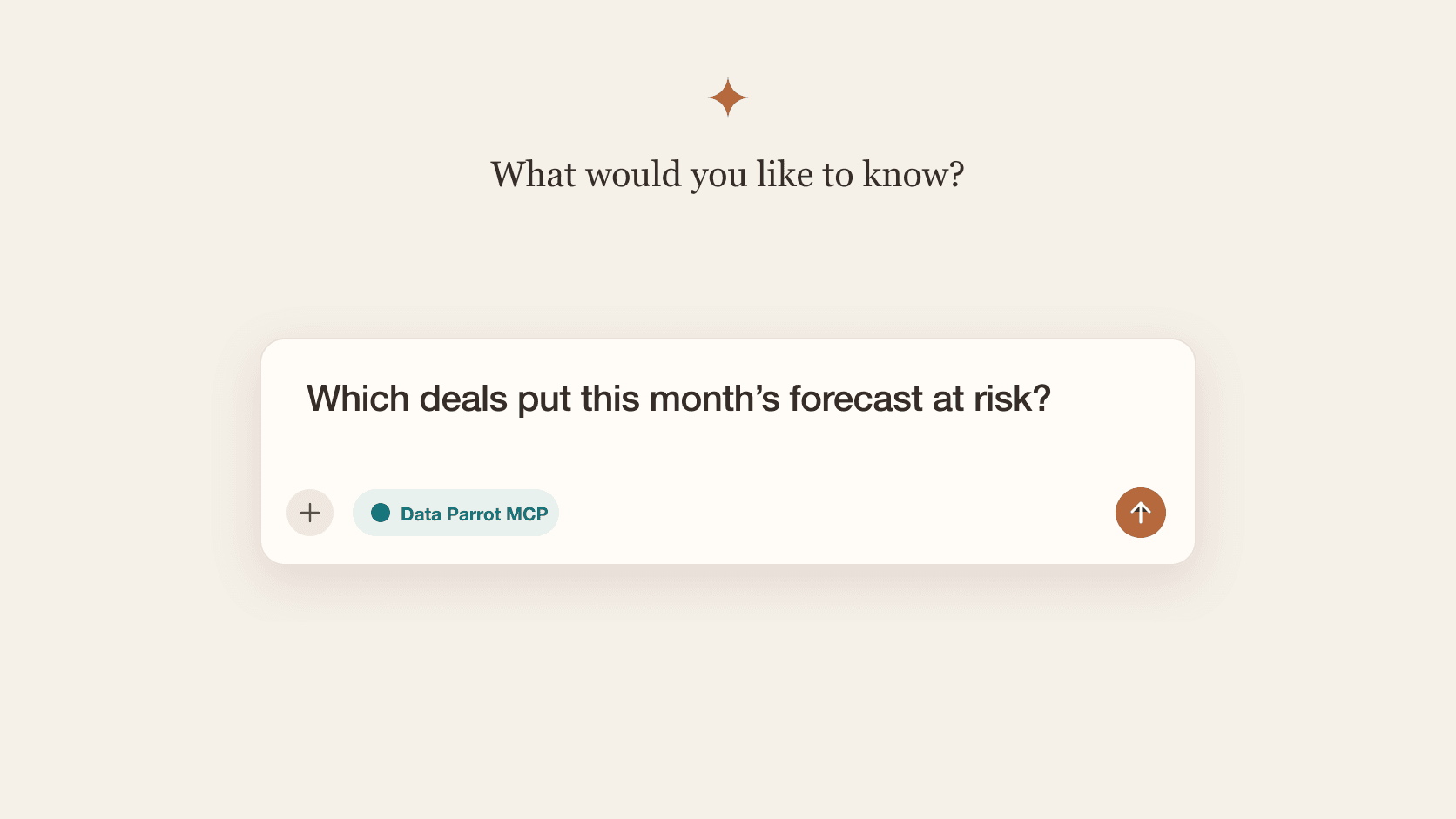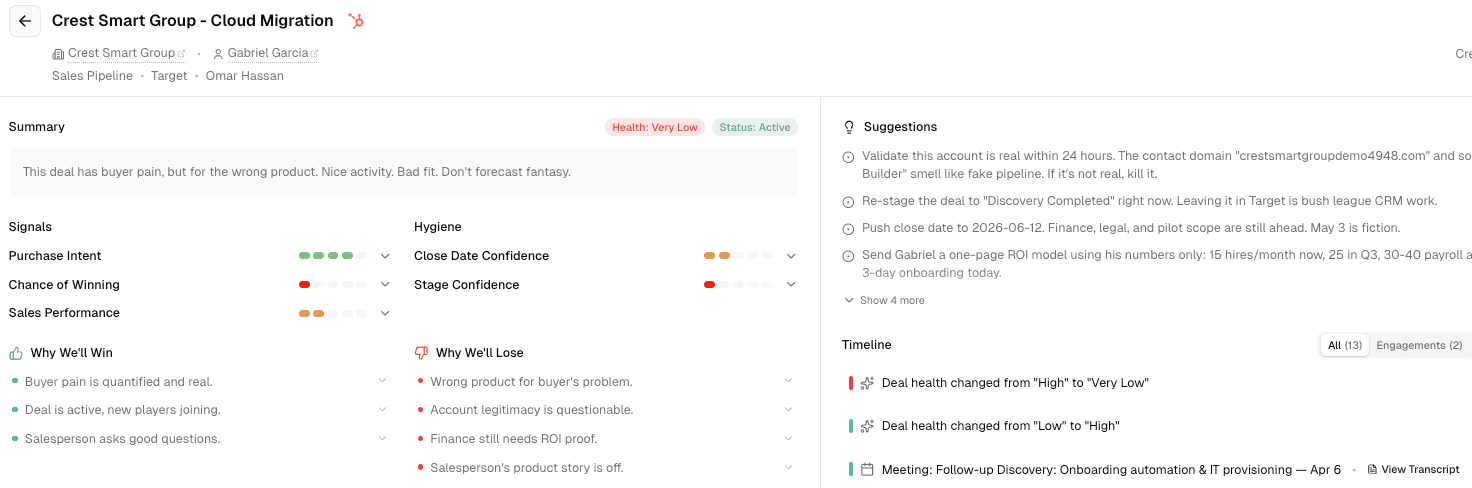
The best agent experience for Sales Leadership requires context about your deals, your forecast, pipeline and more. Historically, getting the most out of ChatGPT with Data Parrot meant installing the MCP server directly.
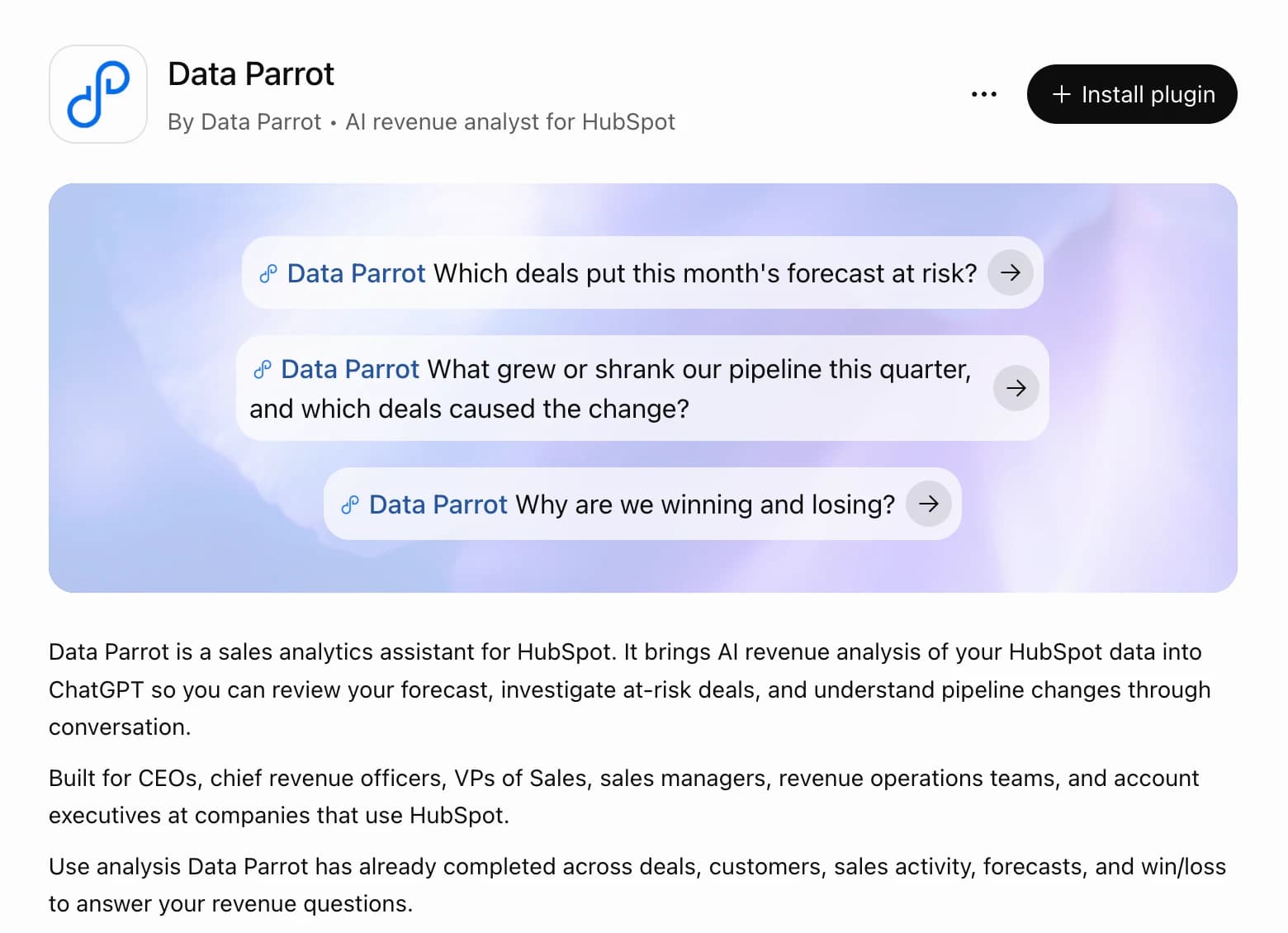
Today, we're excited to announce that Data Parrot is an official plugin in the ChatGPT plugin directory.
Install it and Data Parrot becomes part of your ChatGPT conversations, workflows, automations, and reporting.
What you can do with it
Conversations
Data Parrot now becomes part of your everyday chats with ChatGPT.
Examples:
- "Pipeline dropped this month. What changed?"
- "What's the latest on the Acme deal? Are we on top of it?"
- "Is Northwind still a healthy customer or are they trending down?"
- "I have a free hour later today. Give me two sales reps to check in on based on key deals closing this month that have challenges."
Workflows and Automations
With ChatGPT you can integrate Data Parrot into your workflows and create new ones.
Examples:
- "Every Thursday at 6pm, build a pipeline review doc for each rep: deals closing this quarter, Deal Health, Purchase Intent, last activity, and what changed this week."
- "Every morning, check deals in Commit closing this month. If any Deal Health drops below Medium, start a Slack chat with the sales rep and me."
- "When a rep falls behind pace with two weeks left in the month, send me their open deals ranked by Purchase Intent and what each one needs to close."
- "On the first of the month, summarize last month's wins and losses by reason, with the deals behind each reason. Summarize the key themes and suggest actions I should take."
Reporting
With the Data Parrot Plugin for ChatGPT, you can create reports on demand.
Examples:
- "Create a pipeline deck from this template with current numbers from Data Parrot."
- "Build my QBR deck: closed won revenue, remaining forecast, pipeline changes, the biggest risks, key deals we lost, and key themes on wins and losses."
- "Keep this deal watchlist in Notion updated daily at 7am and send me what changed in Teams."
- "Update my activity report daily at 8pm: meetings booked, held, no-shows, and reschedules by rep."
The Prompt Library has more, including the board update deck with an example you can download.
How to install the Data Parrot plugin in ChatGPT
- Open the Data Parrot listing in ChatGPT.
- Select Install plugin.
- Select Connect and sign in with your Data Parrot account.
Now any time you use ChatGPT it will decide if it should call Data Parrot. You can directly call Data Parrot by typing @Data Parrot. You need a paid ChatGPT plan and a Data Parrot Pro or Max account. The ChatGPT connection guide has the full steps, the notes for managed ChatGPT accounts, and troubleshooting.
New to Data Parrot?
Create an account, then connect HubSpot. That's it! The Data Parrot AI onboards itself - no setup or implementation. Sign up, connect and it just works.
Related reading
- Data Parrot on the HubSpot App Marketplace
- Sign in to Data Parrot
- Data Parrot MCP Server Is Now Available, for Claude, Grok and other AI tools