Today I'm excited to announce Forecast Workspace.
25 years after CRM went mainstream, forecasting is still one of the biggest challenges for sales leaders. Apps have come along and tried to solve it but they take months to implement, are cumbersome and slow, difficult to use, and need ongoing full-time administration. Not to mention expensive, which puts them out of reach for most companies.
Most people end up back at the spreadsheet.
So we built Forecast Workspace. A single screen, interactive experience to help you review, inspect and update your forecast.
Any changes made in either HubSpot or Data Parrot show up near instantaneously.
Our goal with Forecast Workspace is to save sales leaders countless hours digging through the CRM, exporting, calling reps, and building forecast spreadsheets.
What problem are we solving?
Whether you're a sales manager, VP of Sales, CRO or CEO, the question is the same: are we going to hit the number?
To answer it, most sales leaders do the same thing. They export deals out of HubSpot, rebuild the forecast in a spreadsheet, and spend Friday afternoon (or Sunday night) fixing stages and close dates that reps haven't touched. Then they chase reps for updates over Slack, email or calls.
Even then, they're working from what reps entered. A rep says a deal is 95% sure, and maybe it is. Or maybe the buyer went quiet three weeks ago and nobody noticed.
It's also hard to see what changed. Which deals moved out, which ones got smaller, and why the numbers are lower than last week. These hard-to-find changes make it difficult to explain to the CEO or the board what is actually going on.
So most of the time goes into inspecting and building the forecast, and very little goes into acting on it.
CRM promised accurate high quality forecasting and we want to deliver that for everyone.
How does it work?
You create a Data Parrot account, connect HubSpot and the AI onboards itself.
The only choice you make is how to track Forecast Status. Use HubSpot's forecast category, your own HubSpot property or Data Parrot's built-in option.
That's it. A full forecasting tool, set up by AI, not by your team.
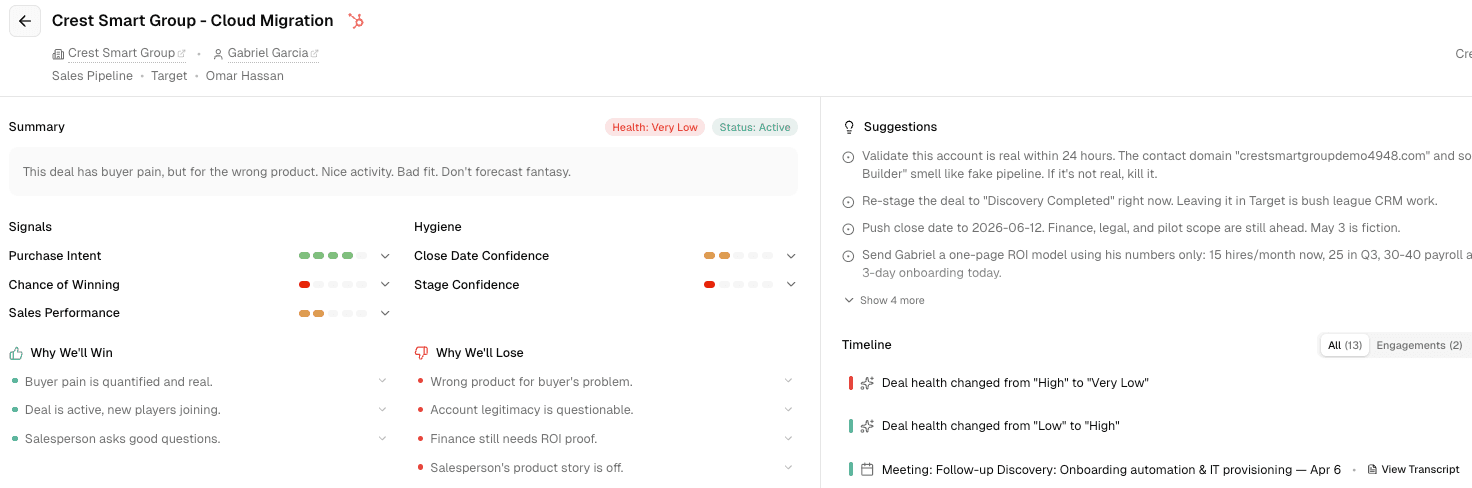
Your forecast shows up by status: Commit, Best Case or whatever your team uses. For each status you can see how much is healthy and how much is at risk. You can also see which deals could slip and which could close early.
If you set goals in HubSpot, they show up too. You can see how much has closed against each goal, for the company and for each team or owner.
From there you zoom in on teams and owners. Then you drill into the deals.
On each deal you can update the forecast status and change key fields like pipeline, stage, close date and next step. You can also add your notes alongside everyone else's. Pipeline, stage, close date and next step changes save to HubSpot right away. Forecast Status saves to HubSpot when it comes from a HubSpot property. Forecast Notes stay in Data Parrot. Changes made in HubSpot show up in Data Parrot in seconds, not hours.
Why now?
For 25 years, software couldn't understand a deal. It could count activities and track stages. It couldn't tell that a deal everyone felt good about was quietly falling apart.
So forecasting tools were built around people. Reps typed in what they believed, and someone had to build and maintain the rules around it. Managers still checked every deal by hand. Your CRM became a central database used by the team, but it relied entirely on the users to keep it updated.
AI changed that. For the first time, software can understand what is actually happening in a deal.
But most software companies are adding AI the wrong way. They take the app they already have and put a chatbot on top. You still do the work. Now you just ask for it in a chat window.
We think AI should be infrastructure. You shouldn't have to think about it. It should do the hard work underneath, so the tool you use every week can be simple.
That's the idea behind Forecast Workspace. Forecasting doesn't have to be an enterprise project anymore. It can work for every sales team.
Get Forecast Workspace
Forecast Workspace is available today for every Data Parrot Pro and Max customer.
It's built for the whole team. Reps can set their own forecast status and add their own notes. Managers and leaders see those updates as they happen, right next to theirs. Everyone works from the same forecast, and HubSpot stays in sync the whole time.
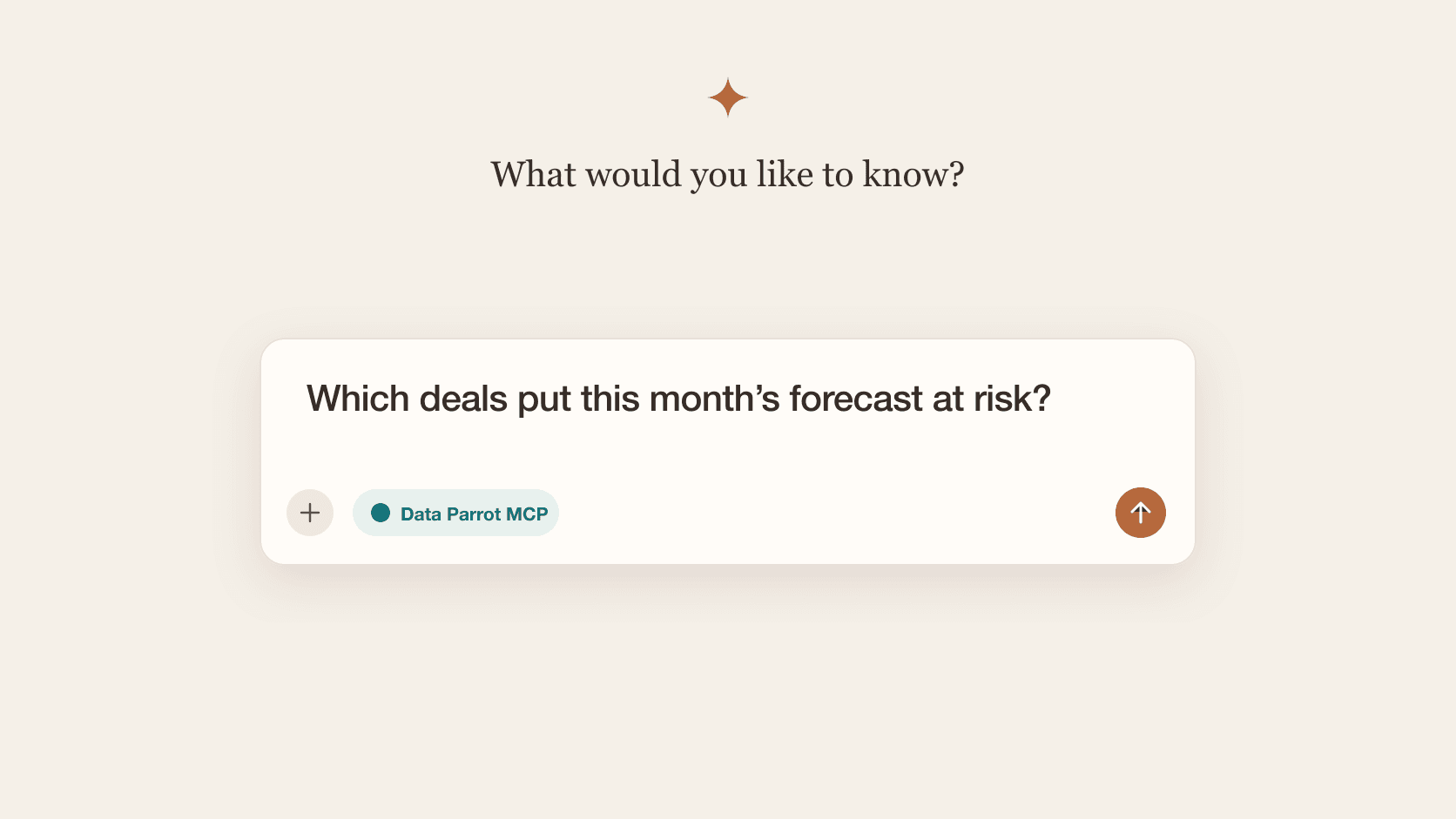
You can also bring your forecast into Claude and ChatGPT. Forecast Status is part of the Data Parrot MCP Server, so you can ask about your forecast in the AI tool you already use.
Already a customer? Open Forecast Workspace.
New to Data Parrot? Sign up for Pro and the AI will have you up and running.
Want a walkthrough? Grab time on my calendar.
A great forecast shouldn't take an enterprise budget or a long implementation. Now every sales team can have one.