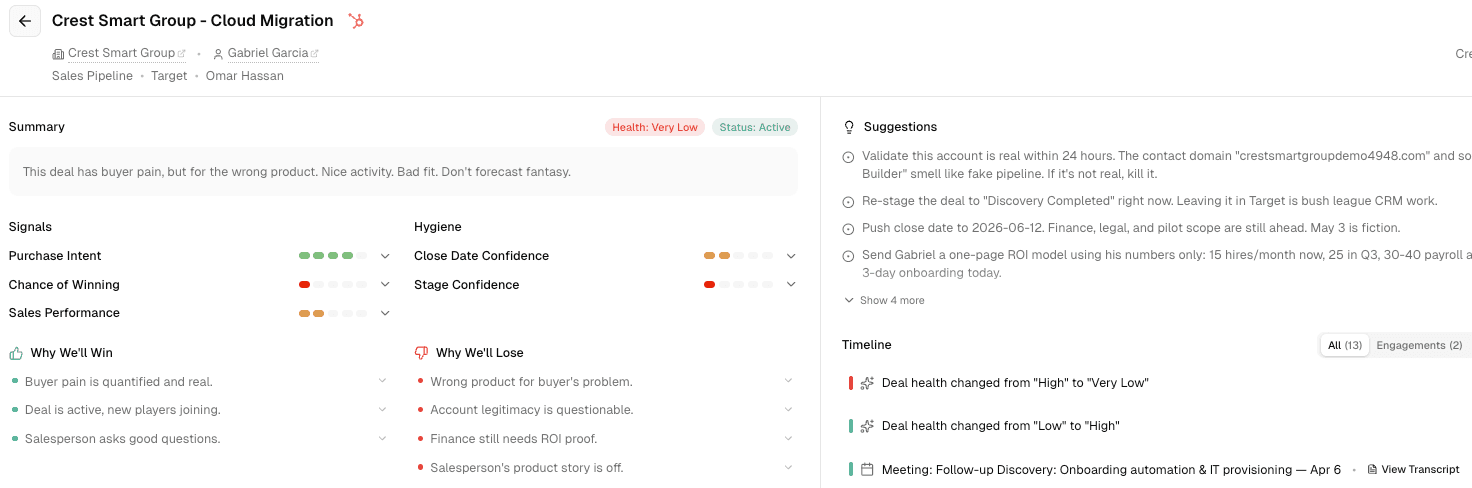
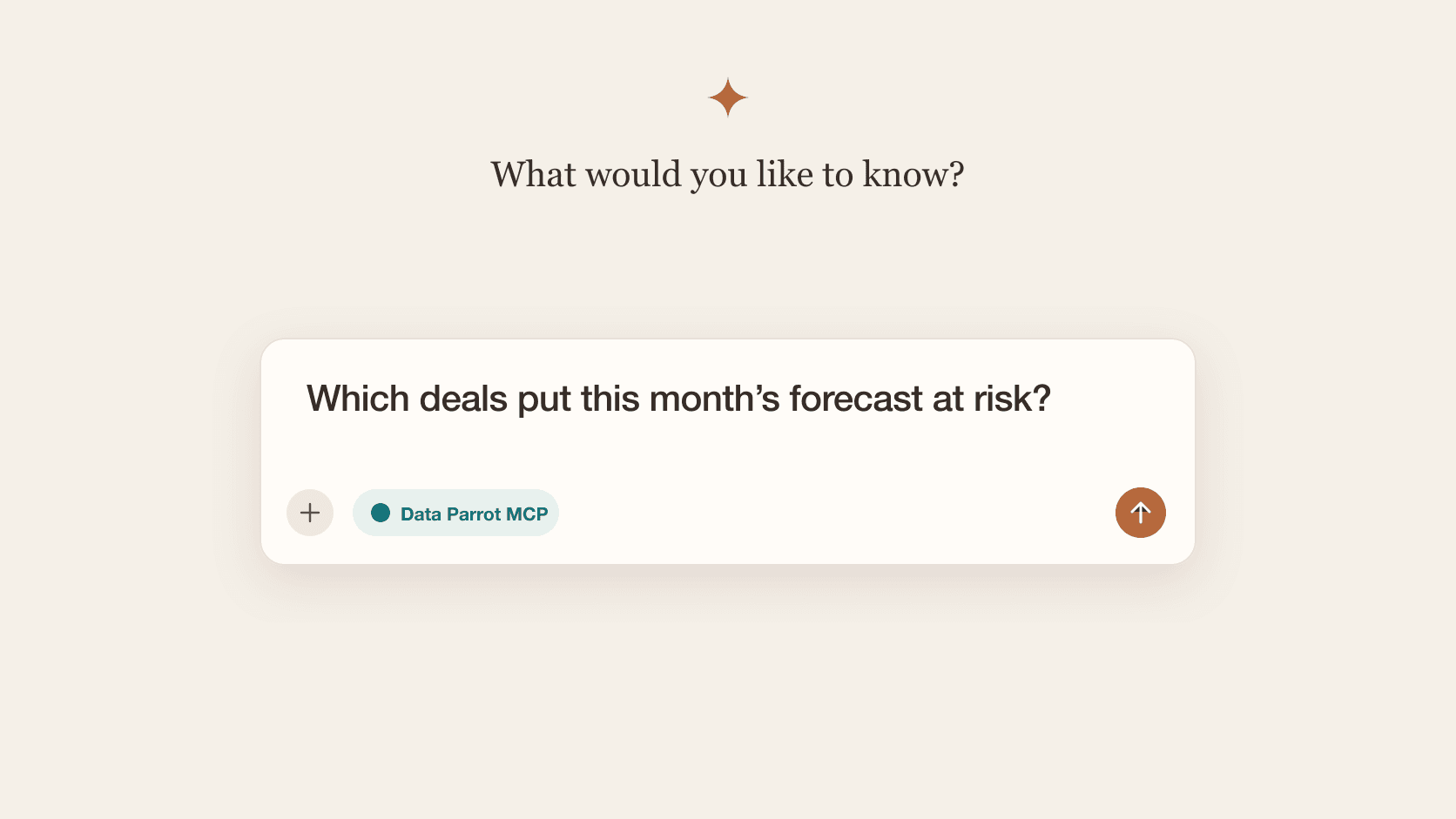
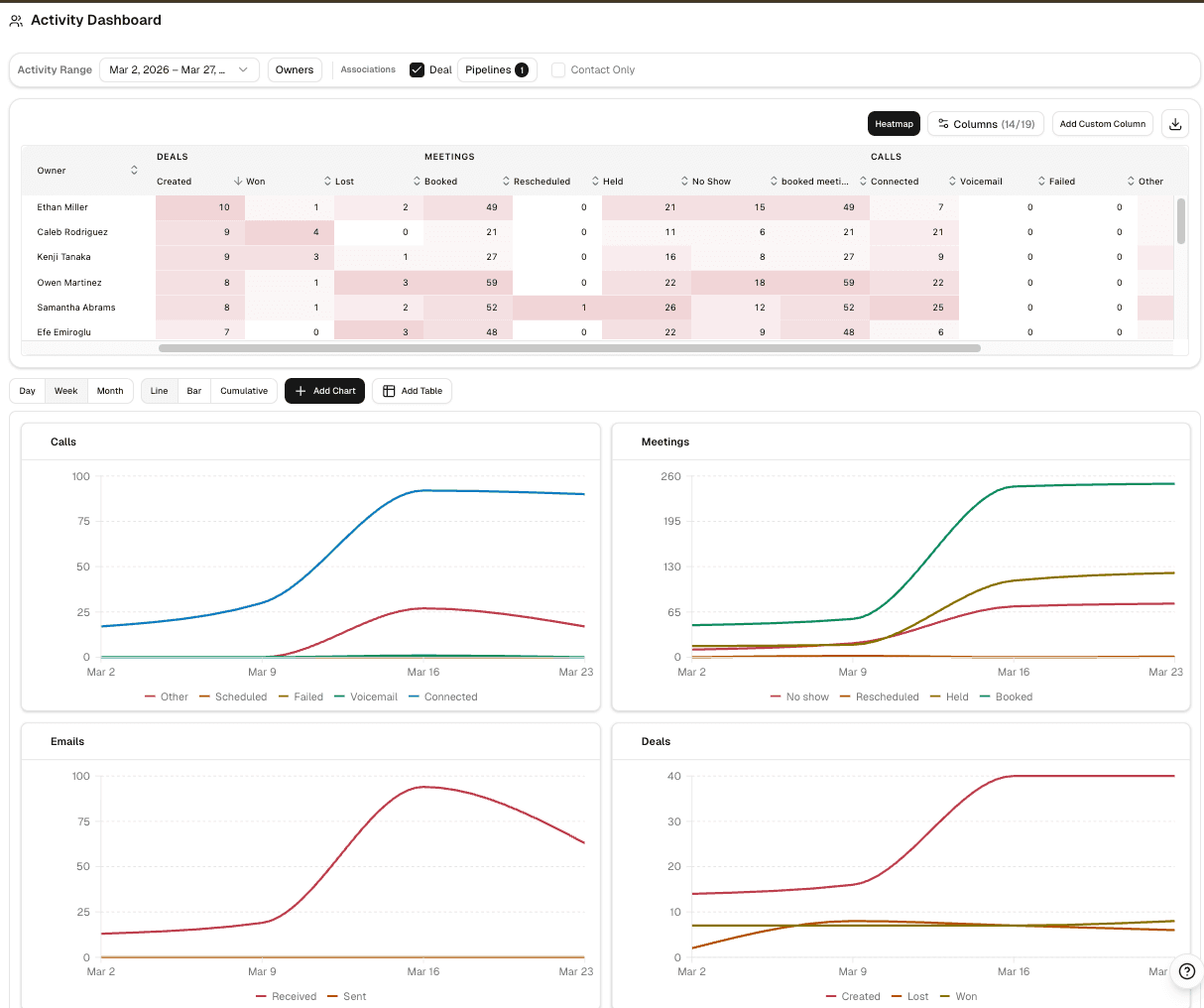
Activity Dashboard is now live for Pro and Max. It gives you one view of calls, meetings, emails, deals, and leads, so you can scan the team, open the records behind any number, and run reviews in one place.
This is a substantial product release, not a thin reporting add-on. It is built for managers who need to compare reps fairly, spot weak coverage fast, and move from summary to follow-up without rebuilding CRM reports.
One matrix for the whole team
Activity Dashboard brings calls, meetings, emails, deals, and leads into one rep-by-rep view. You can scan the whole team in one pass, click any number to see the underlying records, and use the optional heatmap overlay to make relative activity levels easier to read.
For teams already using sales activity and pipeline inspection, this creates a stronger operational layer between raw activity and pipeline outcomes.
Set up the dashboard for your team
You can configure time-series charts for the metrics you care about, group them by day, week, or month, and switch between line, bar, and cumulative views. The layout is drag-and-resize, custom columns let you track the combinations your team actually uses, and the dashboard keeps your layout when you come back.
Open the details behind any number
The dashboard includes detail tables for engagements, deals, and leads, so you can move from a team-level pattern to the exact records behind it. That makes it much more useful for coaching and weekly reviews than a static chart or exported table.
For teams working in HubSpot, this also shortens the distance between review and action.
Getting started
Open Activity Dashboard ↗ from the app navigation. Pro and Max users can use the charts, detail tables, custom columns, and layout controls directly in the dashboard.