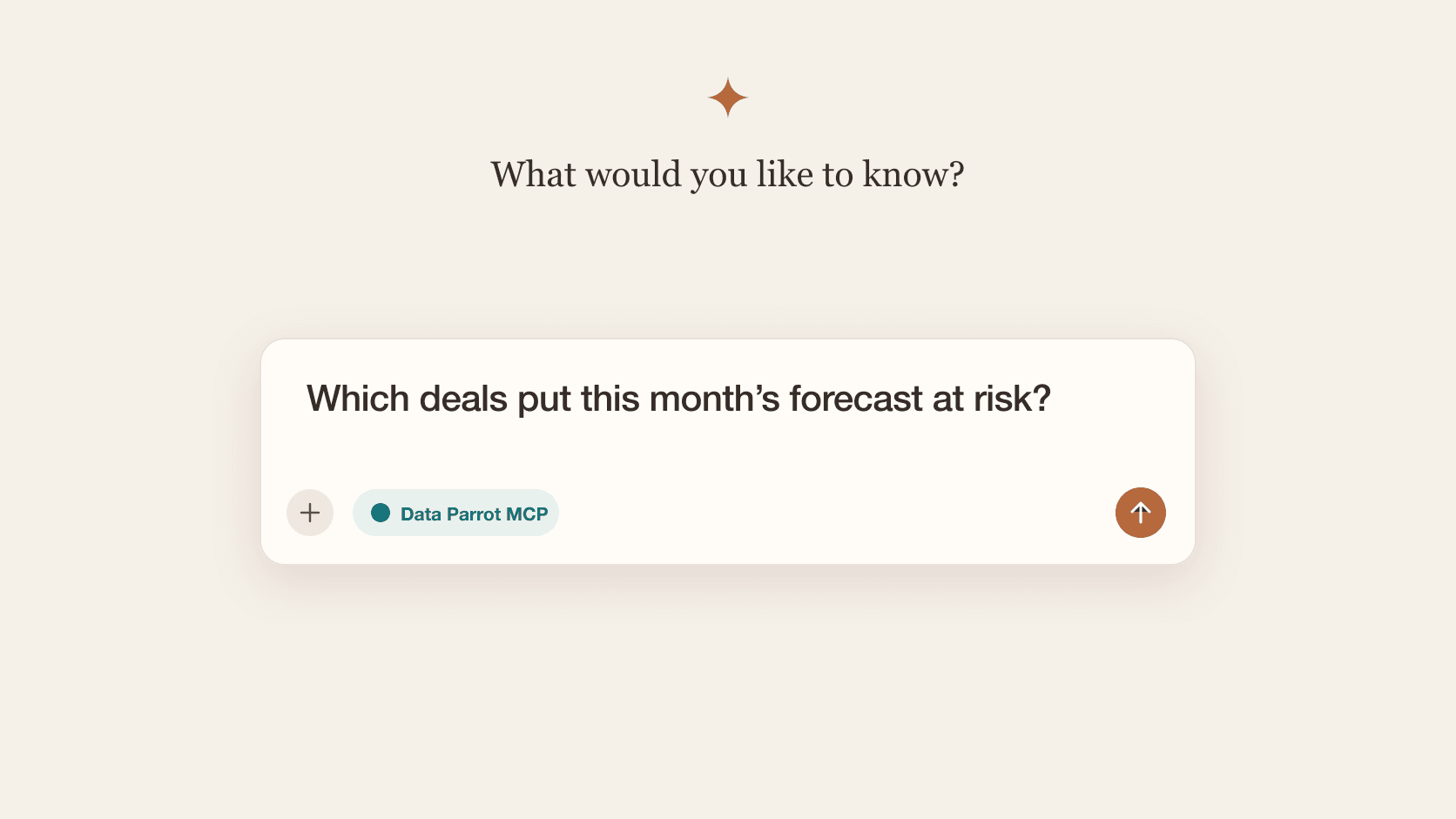
You've probably heard of MCP servers. They connect your apps to the AI tools you already use, like Claude, ChatGPT, Gemini, and Copilot, so you can ask about your data and get work done without leaving the chat.
If you use HubSpot as your CRM, you have access to the HubSpot MCP Server. You can use it in Claude or ChatGPT to find records, update deals, create tasks, and look up activity.
Data Parrot also has an MCP server for HubSpot customers, and it's meant for something different. The Data Parrot MCP Server answers business questions, like which deals will close this quarter, where the forecast will land, why you're losing deals and other similar questions. Your AI starts from Data Parrot's analysis instead of attempting to work out the answer from CRM records.
In this post, we'll cover what each server does, how they differ, and when to use which.
What is an MCP server?
MCP stands for Model Context Protocol. An MCP server works like an API built for AI: it tells the AI tool what data and actions the app offers, and the AI figures out how to use them. You add the server in your AI tool, sign in, and start asking questions. There's no integration to build.
What your AI can do through an MCP server depends on the app behind it.
What is the HubSpot MCP Server?
The HubSpot MCP Server connects your AI tool to your HubSpot account. HubSpot also offers it as a ready-made connector for Claude, ChatGPT, Gemini, Copilot and others.
It covers most of your HubSpot data: contacts, companies, deals, tickets, calls, emails, meetings, and more. Ask for open deals over $50,000 closing this month, or last week's calls with a customer, or other fact-based questions oriented around the raw data objects. The HubSpot MCP Server can also make changes for you such as setting a new close date, changing pipeline/stage, and adding new contacts.
HubSpot has a second MCP server for developers building HubSpot apps. That one isn't covered here.
What is the Data Parrot MCP Server?
The Data Parrot MCP Server connects your AI tool to Data Parrot. Data Parrot learns how your company sells, then analyzes every deal and customer in HubSpot. The server lets your AI ask for that analysis directly.
Ask which Commit deals will actually close, where the forecast will land this quarter, which customers need attention, why you lost deals last quarter, or even "Create my forecast slide for my sales presentation".
It works in Claude, ChatGPT, Codex, Cursor, Grok, and other AI tools. The prompt library has questions you can copy to get started.
Example: which Commit deals are at risk?
Let's start with a pretty simple question: which Commit deals are at risk this quarter?
HubSpot answers it with what it tracks: stage, deal probability, close date, and time in stage. Data Parrot answers it from what's actually happening on each deal. Here's how a typical set of Commit deals looks in each.
| Deal | HubSpot right? | Data Parrot right? | HubSpot's reason | Data Parrot's reason |
|---|---|---|---|---|
| Harbor Group, $300K | It's in Final Negotiations at 80% and hasn't been in the stage long. | No economic buyer, and the CFO never engaged. The amount dropped from $400K to $300K in a month while the rep pushed it to Final Negotiations. | ||
| Summit Ridge, $180K | The rep moved it four stages in nine days, so it never sat in one stage long enough. | Finance just rejected the ROI case. "A real expansion need trapped behind a Finance wall; the rep's stage inflation hides an unbuilt CFO case." | ||
| Northgate, $140K | It's in Contract Sent at 90% and hasn't been in the stage longer than usual. | "A thin deal wearing a late-stage jersey: one encouraging CMO note, no procurement proof, and repeated date slips." | ||
| Alder Partners, $550K | The deal is three weeks old, so it hasn't been in any stage long. | No buyer activity since the deal was created. | ||
| Ridgeline Co, $95K | It's been in Contract Review longer than usual. | "Good fit, weak urgency, frozen approvals. We're camped outside the castle, not inside the signing room." | ||
| Kestrel Group, $165K | It's been in Final Negotiations longer than usual. | "The CFO completed a substantive proposal review two days ago. This is moving, not rotting." |
HubSpot flags two of these six deals, and one of those is fine. Let's dig into why.
What's the difference between the HubSpot MCP Server and the Data Parrot MCP Server?
| HubSpot MCP Server | Data Parrot MCP Server | |
|---|---|---|
| Best for | Looking up and updating HubSpot data | Answering questions about your sales and customers |
| Works in | Claude, ChatGPT, Gemini, Copilot, and other AI tools | Claude, ChatGPT, Codex, Cursor, Grok, and other AI tools |
| What your AI gets | Your HubSpot data | Data Parrot's analysis of your deals, pipeline, and customers |
| Questions to ask | "Show me open deals over $50,000 closing this month." "Create a follow-up task on this deal." | "Where will we land this month?" "Why are we losing deals?" "Which customers should we be worried about?" |
| Makes changes in HubSpot | Yes | No |
| Covers | Sales, marketing, service, and content | Forecast, pipeline, deals, customers, and win-loss |
For the example earlier, which Commit deals are at risk, HubSpot considers risk by looking primarily at time in stage.
This relies on the sales person keeping their data updated. Time in stage has been a primary CRM metric for deal progression in CRM for a long time. If you use HubSpot, you probably have a "must-be-empty" report on your dashboard showing deals stuck in a stage for X days.
Sales people learn this quick: they just change the stage, then change it back. Deal is stalled but it's hidden, which means sales management needs to dig through CRM data to figure out what's going on.
Sometimes HubSpot will look at last customer touch, which is a little more helpful. But as any VP Sales knows, simply talking to customers does not mean deal progression.
Data Parrot considers all the evidence by looking for signs of true progression outside of just what the sales person fills out on the deal. Sales Management already does this, but it's time consuming: digging through the timeline, reading the activities, figuring out what is really going on.
- is this deal moving forward consistently and positively?
- is it where it should be for this stage, or has it fallen behind?
- does the customer have a real reason to buy now: a clear problem, urgency, budget, and someone who can sign?
- are the right people involved, and are they invested enough to get it done?
- are you likely to win it, or is a competitor (or doing nothing) the bigger threat?
- is the sales person following up and pushing the deal forward?
- do the close date and stage match what has actually happened?
- what does the rest of the account say, like past deals you've won with this customer?
Which one should you use?
Connect both!
Use the HubSpot MCP when you want to do something in HubSpot: look up a contact, update a deal, create a task, or find a marketing email.
Use the Data Parrot MCP when you want to know what's happening: where the quarter will land, what changed in the pipeline, which customers are at risk, or why you're losing deals.
Together, they take you from a question to action in one conversation. Ask Data Parrot which deals put this month's forecast at risk, then ask HubSpot's connector to create a follow-up task on each one.
FAQ
Can the HubSpot MCP Server see Data Parrot's analysis?
Yes. Just using Data Parrot makes the HubSpot MCP Server better. Data Parrot can write its deal analysis, like Deal Health, purchase intent, and suggested next steps, to properties on your HubSpot deals, and HubSpot's MCP Server reads them like any other property. For the forecast, Customer Health, and win-loss, use the Data Parrot MCP Server.
How do I connect HubSpot to Claude or ChatGPT?
For HubSpot, check HubSpot's knowledge base for the latest setup steps for Claude and ChatGPT. For Data Parrot, we have guides for connecting the Data Parrot MCP Server to Claude and ChatGPT, and you can see all of our connection guides here.
Does Data Parrot replace HubSpot?
No. HubSpot stays your CRM. Data Parrot is a HubSpot App Partner, and we are focused on helping companies that run on HubSpot see which deals will close, which customers need attention, and why deals are won or lost.
Does the Data Parrot MCP Server cover marketing and service?
Not yet. It's built for sales and customer questions today. For marketing and service, use HubSpot's connectors.
How do I connect to the Data Parrot MCP Server?
Create a Data Parrot account and connect HubSpot. Once Data Parrot has analyzed your deals, add the Data Parrot MCP Server to your AI tool using our guides for Claude, ChatGPT, and other AI tools.
Which AI tools work with the Data Parrot MCP Server?
Claude, ChatGPT, Codex, Cursor, Grok, Cline, and Google Antigravity, which runs on Gemini. Other AI tools work too if they let you add a remote MCP server by URL and sign in through your browser.
Can the Data Parrot MCP Server change my HubSpot data?
No. The Data Parrot MCP Server is currently read-only, so it never changes anything in HubSpot. Use HubSpot's MCP Server for that.
Sources
- HubSpot: AI connectors, remote MCP Server documentation, and connector guides for Claude and ChatGPT
- Model Context Protocol
- Data Parrot MCP Server overview and FAQ
- Data Parrot custom properties in HubSpot
- Data Parrot in the HubSpot App Marketplace