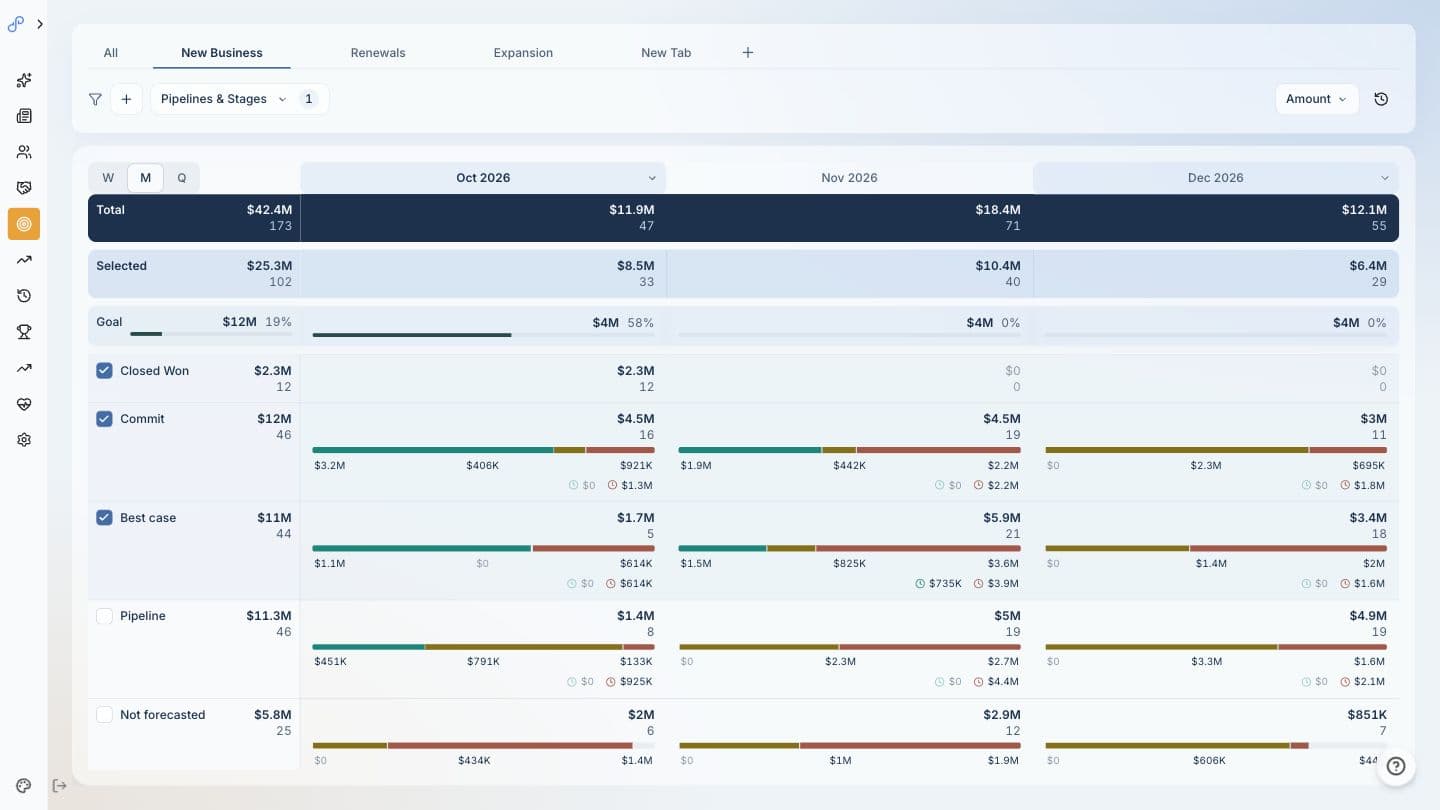
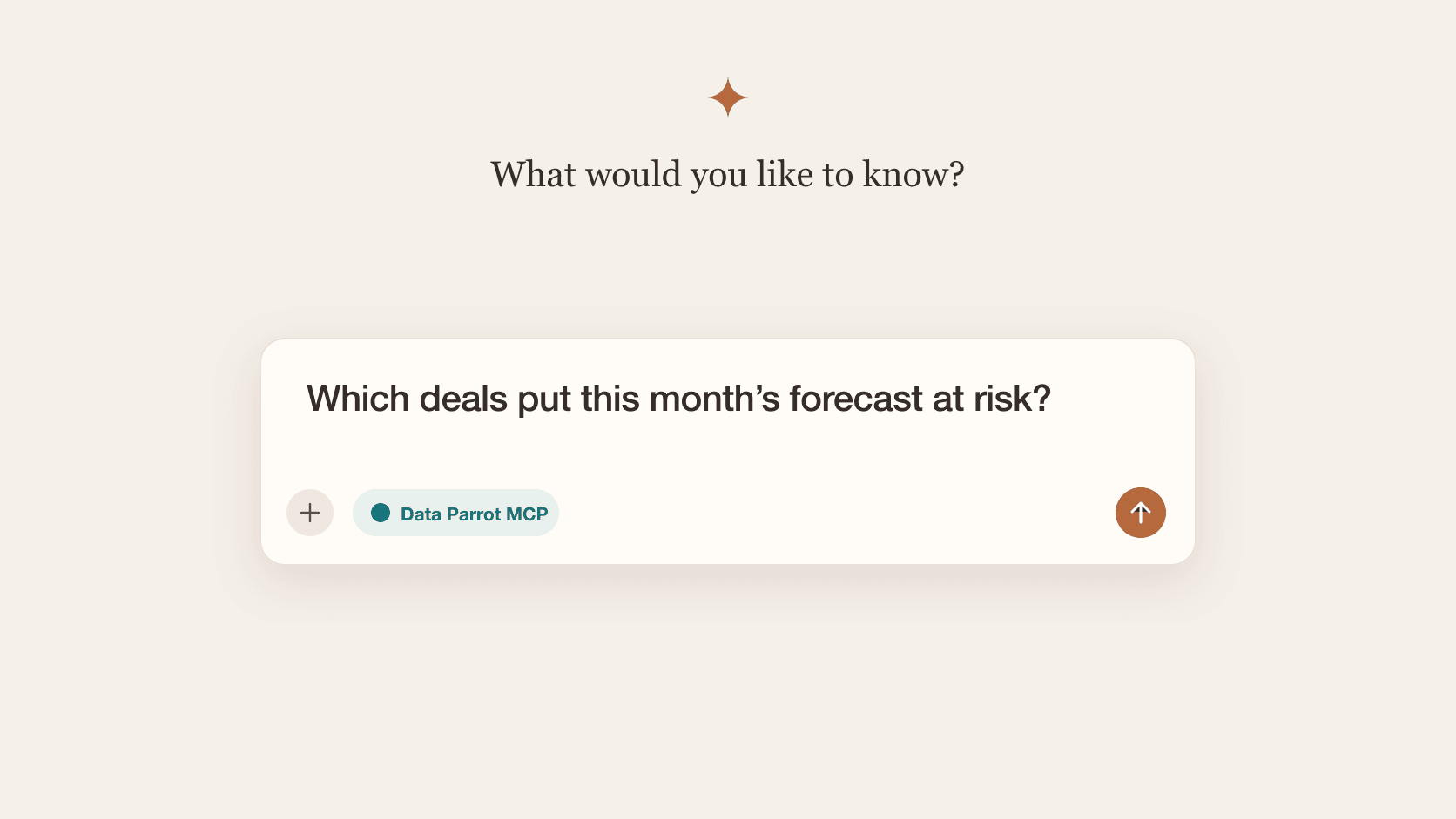
When you update a deal in HubSpot, adding engagements, changing associations, or modifying deal details, you no longer need to wait for Data Parrot's daily refresh cycle. The HubSpot UI extension now includes a recalculate button that refreshes AI analysis immediately.
Plus we've added a configurable sidebar card to quickly see deal health, status and other configurable insights.
Real-time AI Recalculation
The recalculate feature addresses a straightforward need: getting updated AI analysis after making changes to a deal. Previously, any deal modifications meant waiting until the next Data Parrot sync to see updated deal analysis. Now, a single button click triggers fresh analysis.
This is particularly useful after important deal updates like logging meeting notes, updating deal stages, adding new contacts to the deal or any other relevant changes to your HubSpot Deal.
Configurable Sidebar Card
The Data Parrot card now appears in HubSpot's right panel on deal pages, providing immediate access to AI insights at a glance. By default, the card displays deal health indicators, current status analysis, and an AI-generated summary.
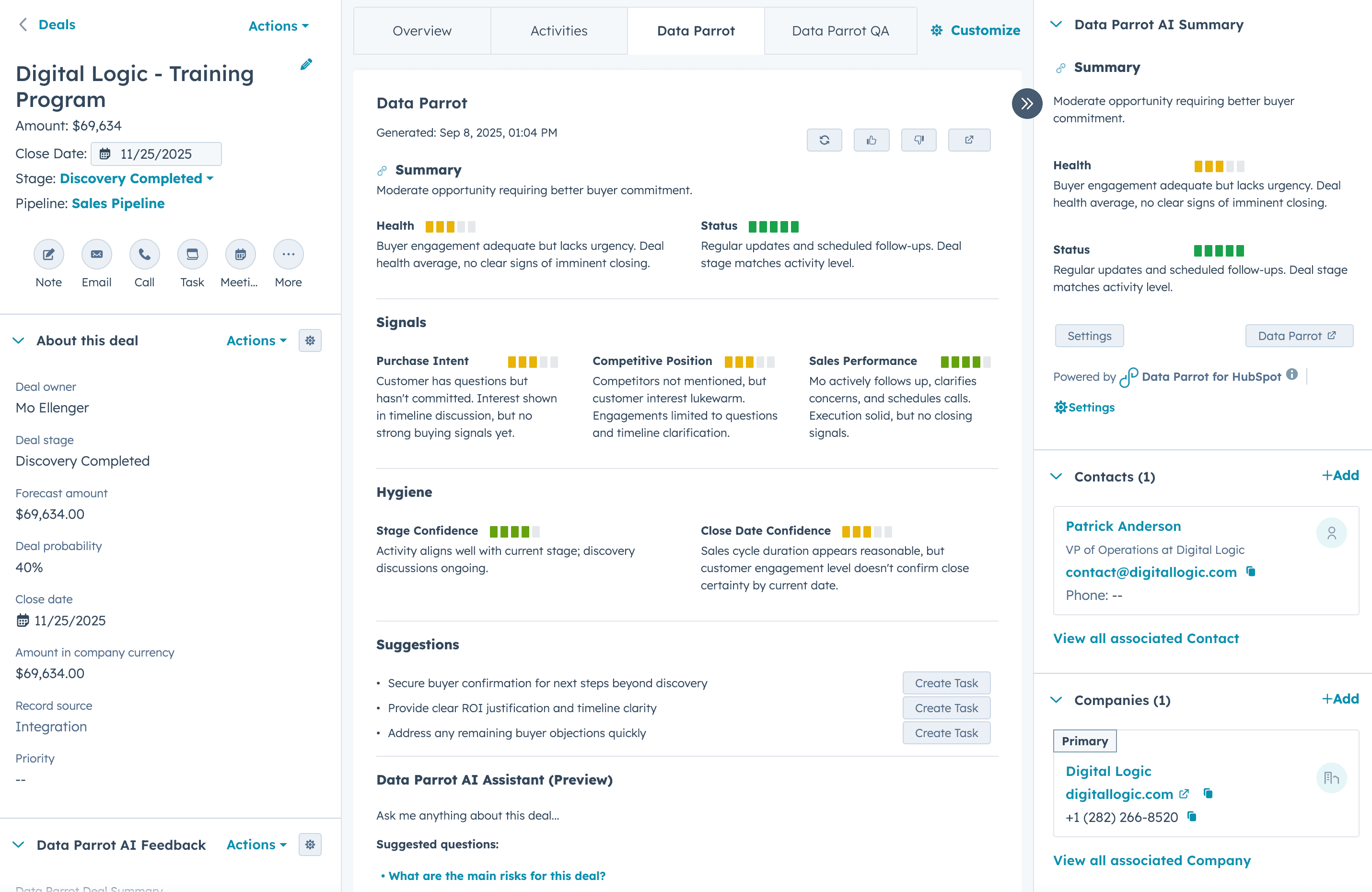
Each user can customize which insights appear in their sidebar card. Available options include:
- Summary: Overall AI analysis of the deal
- Deal Health: Visual indicators with explanations
- Deal Status: Whether deals are active, stuck, dormant, or dead (learn more about deal status)
- Purchase Intent: Analysis of buyer intent signals (see how we assess purchase intent)
- Competitive Position: Assessment of competitive landscape
- Sales Rep Performance: Rep activity and engagement analysis
- Stage Confidence: AI confidence in current deal stage
- Close Date Confidence: Likelihood of hitting projected close date
Personalizing Your View
Individual users configure their own sidebar preferences, allowing sales reps to see the analysis that is most relevant to them while managers might display different insights.
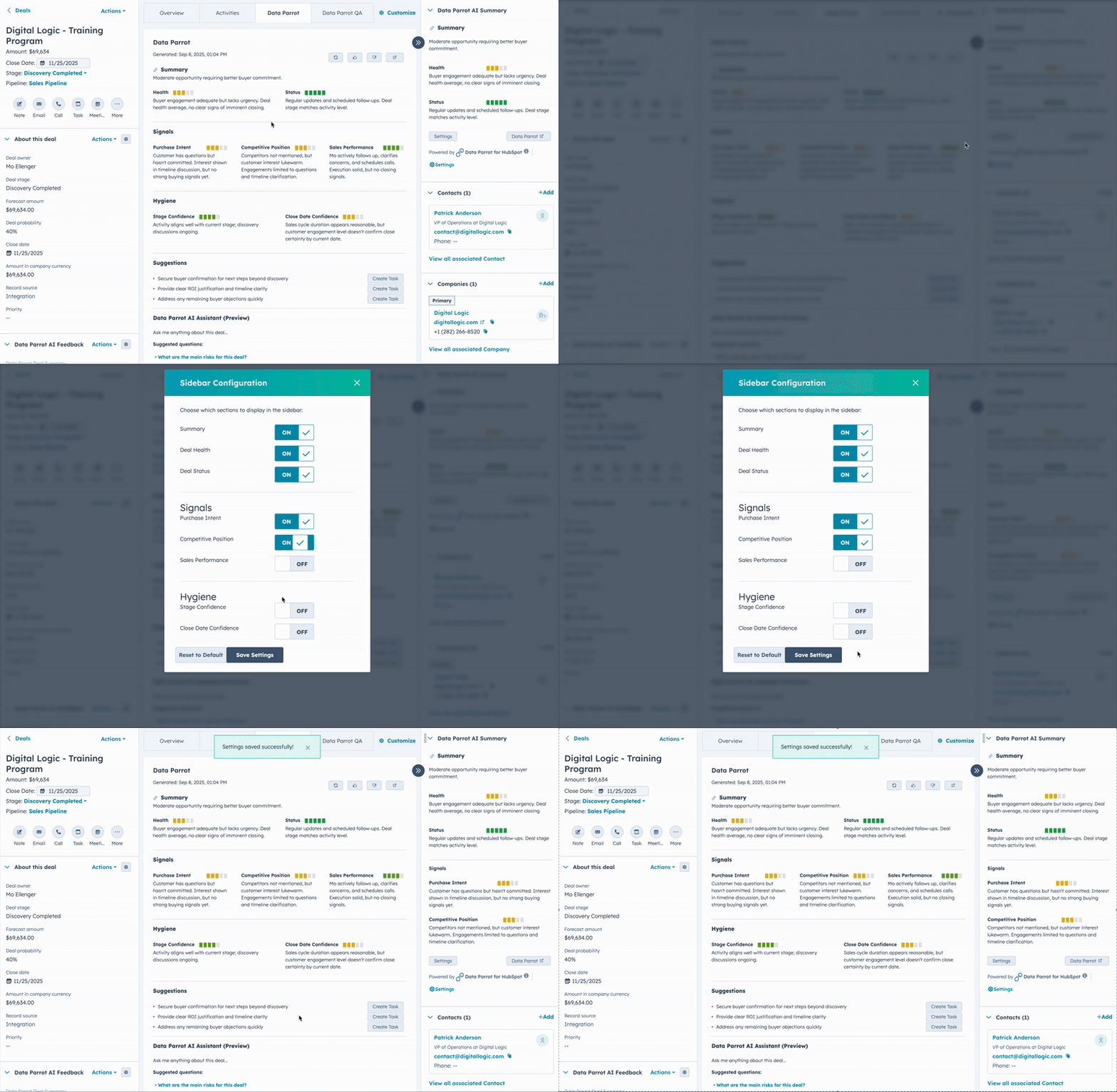
To modify your sidebar card, click the configuration option within the Data Parrot card itself. Select or deselect the AI analysis you want displayed.
Feedback System for AI Improvement
We've added a simple rating system to help improve AI analysis accuracy. Thumbs up and thumbs down buttons appear in the top-right corner of each Data Parrot card. When you encounter particularly accurate or inaccurate insights, your feedback helps refine the analysis algorithms. Optional comment fields let you provide specific details about what worked well or what missed the mark.
These updates make AI Deal Analysis more accessible and powerful to help your team evaluate deals, update sales strategies and ultimately win more deals. Learn more about using Deal Pulse for deal reviews. The recalculate function ensures analysis stays fresh after deal changes, while the configurable sidebar ensures key AI deal health analysis is always visible.