5 min read
Back to blog
Product Update: Interactive Filters and HubSpot AI Assistant
Experience instant, interactive filtering with dynamic updates, plus get AI-powered HubSpot guidance and enhanced user access controls.
Filtering Just Got Fun
The new interactive filter experience transforms how you explore your pipeline. No more waiting for page reloads - see changes instantly as you adjust filters.
Instant Visual Feedback
Filters now update in real-time:
- Change a filter and watch the data transform immediately
- No page refreshes or loading delays
- See result counts update as you select options
- Visual feedback shows exactly what changed
This instant response makes exploration feel natural. You can quickly test different views and immediately see what matters.
Separated Filter Categories
We split filters into two logical groups:
Main Filters:
- Pipeline selection
- Stage filtering
- Deal owner choices
- Team selection
Deal Pulse Filters:
- Deal health metrics
- AI feedback categories
- Forecast classifications
- Status indicators
This separation makes it easier to focus on either structural filters (who/what/where) or quality filters (health/status/AI insights).
Dynamic Filter Options
As you select Deal Pulse filters, other options dynamically update to show what's available:
- Select "Poor Health" and see which forecast categories contain those deals
- Choose "Stuck" status and discover which stages have stuck deals
- Pick a specific AI feedback type and see related health scores
The filters guide you toward meaningful combinations, eliminating dead-end searches.
Improved Preset Management
Presets now separate into Main and Deal Pulse categories:
- Save structural views like "Enterprise Team Q4 Pipeline"
- Create quality views like "At-Risk Commit Deals"
- Combine both for complex views like "SMB Team Stuck Deals"
Maximum flexibility for any review scenario you need.
ChatGPT for HubSpot Guidance
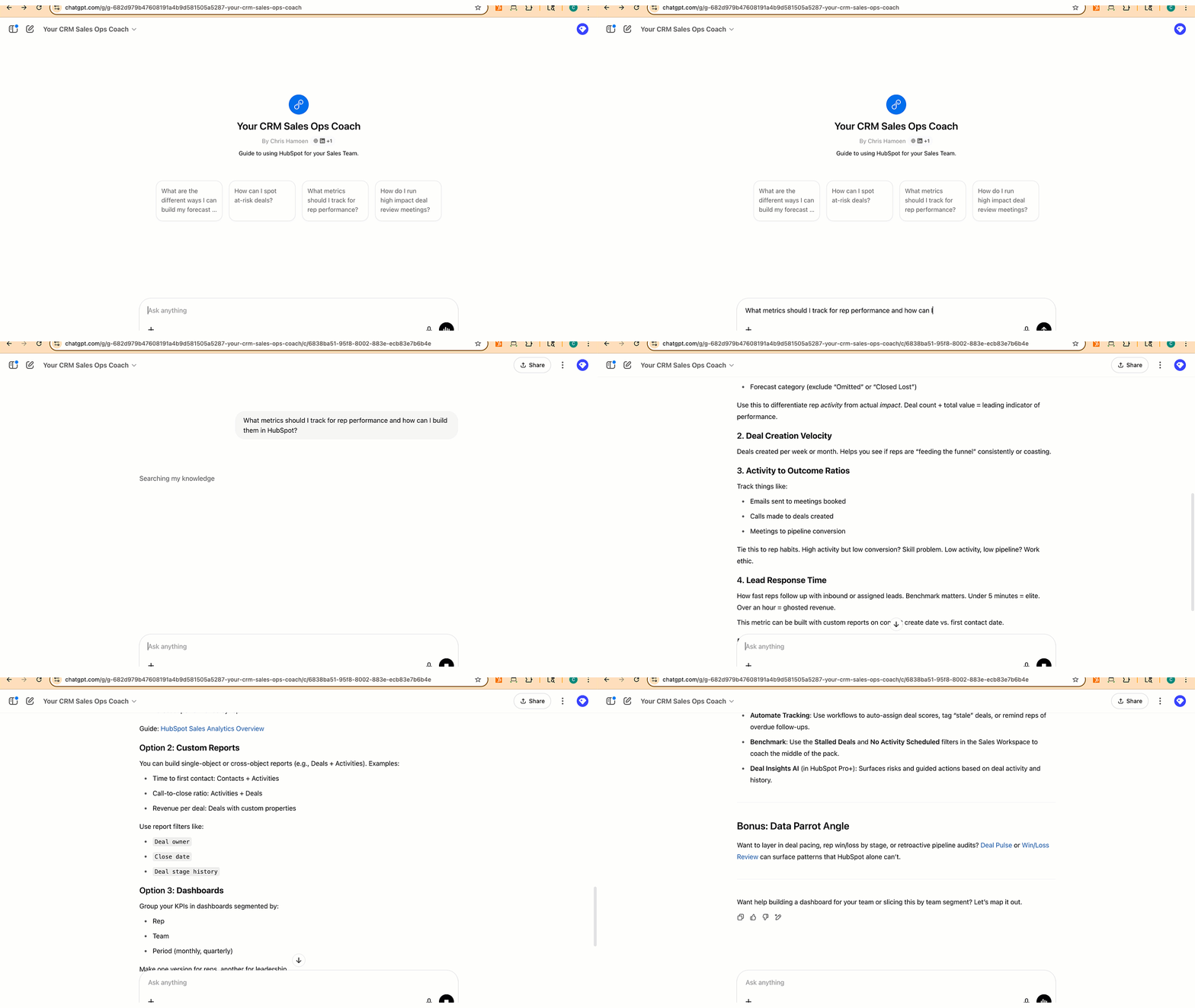
HubSpot's flexibility means there are often multiple ways to solve any problem. Our new Custom GPT helps you find the best approach for your specific situation.
Multiple Solution Paths
Ask how to accomplish something in HubSpot and get:
- Several different approaches ranked by complexity
- Pros and cons of each method
- Specific steps for implementation
- Warnings about common pitfalls
Real-World Examples
The GPT understands context:
- "How do I track competitor mentions?" gets sales-focused solutions
- "How do I measure email engagement?" provides marketing-specific options
- "How do I automate follow-ups?" offers workflow and sequence alternatives
Free and Accessible
Available to everyone with ChatGPT access:
- No Data Parrot subscription required
- Works with any HubSpot tier
- Updated with latest HubSpot features
- Learns from community best practices
Use it for training new team members, exploring new features, or finding better ways to use HubSpot's extensive capabilities.
Enhanced User Management
Security and access control got significant upgrades with new user management capabilities.
Instant Access Revocation
Remove user access immediately when needed:
- Employee departures
- Role changes
- Security concerns
- Temporary suspensions
No waiting for batch processes or next sync cycles. Click to revoke, and access ends instantly.
Configurable Session Duration
Set how long users stay logged in:
- Shorter durations for high-security environments
- Longer sessions for trusted internal networks
- Balance security with user convenience
- Apply globally or per user group
Audit Trail
Track all access changes:
- Who was added or removed
- When changes occurred
- Who made the changes
- Session timeout configurations
Maintain compliance and security standards with complete visibility into access management.
Additional Improvements
Streamlined Interface
The sidebar is now more compact, giving more screen space to your data while maintaining easy navigation.
Cleaner Pipeline Options
Filtering now excludes non-sales pipelines automatically, removing clutter from marketing or service pipelines that don't belong in sales analytics.
Bug Fixes
- Dropdown menus now work consistently across all browsers
- Deal Pulse Mode filtering starts correctly every time
- Performance improvements for large datasets
Getting Started
Interactive Filters: Already live across all views. Just start filtering and watch the magic happen.
HubSpot GPT: Access at chatgpt.com - bookmark it for quick reference.
User Management: Configure in Settings > User Management. Set session duration first, then review user access.
Tips for Maximum Impact
Filter Exploration Strategy
- Start with main filters to define your universe
- Add Deal Pulse filters to identify issues
- Watch the dynamic updates for insights
- Save successful combinations as presets
HubSpot Learning Path
- Ask the GPT about current pain points
- Compare different solution approaches
- Test the simplest solution first
- Scale up if needed
Security Best Practices
- Set session duration based on your security needs
- Review user access monthly
- Revoke immediately when roles change
- Document access policies
These updates focus on speed and clarity. Interactive filters make exploration instant and intuitive. The HubSpot GPT provides expert guidance on demand. Enhanced user management keeps your data secure. Together, they make Data Parrot faster, smarter, and more secure than ever.
Continue from this post into the rest of the story.
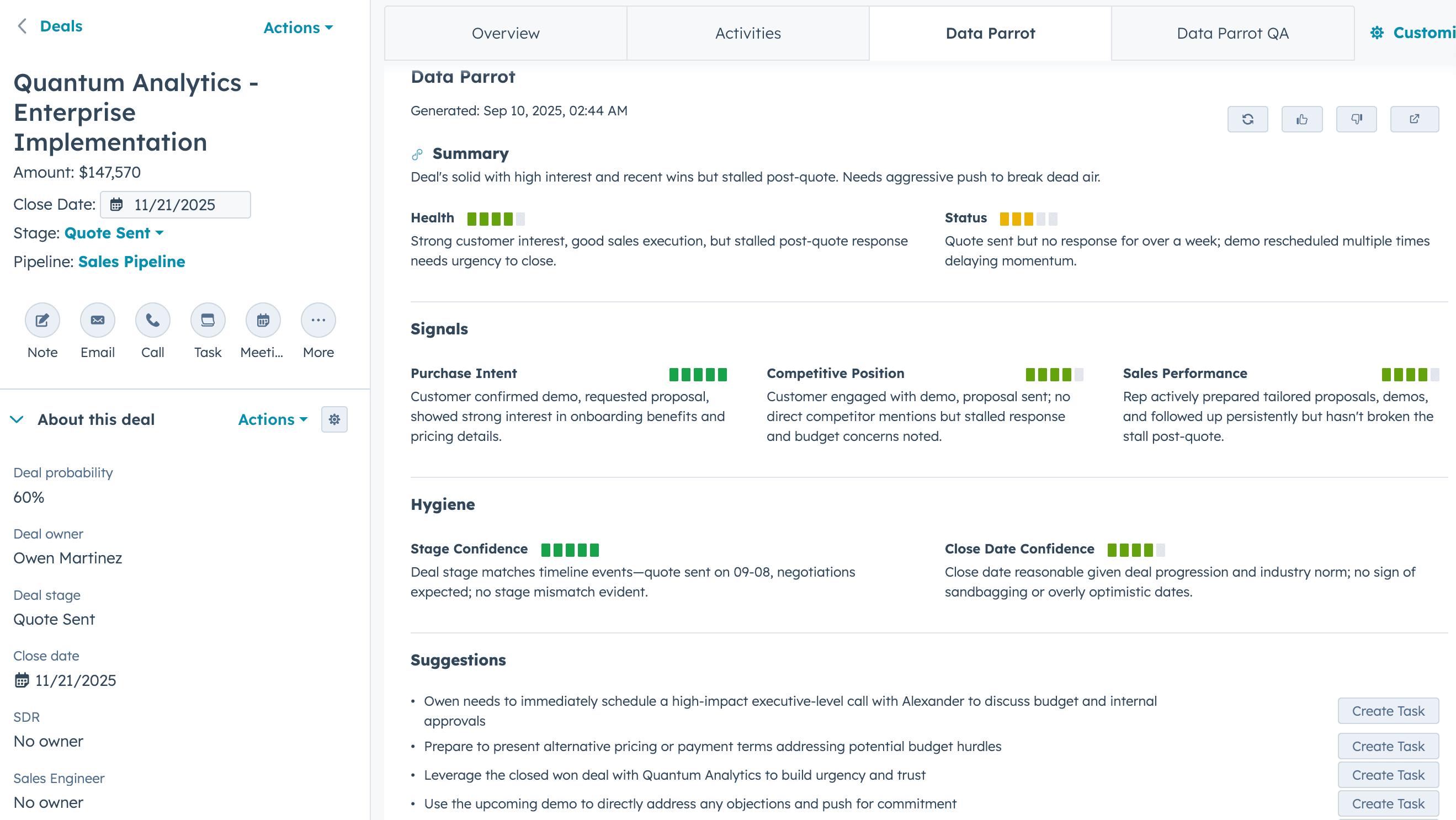
Product Update: HubSpot UI Extension Enhancements
The HubSpot UI Extension gets visual improvements, AI chat capabilities, and full-screen deal views...
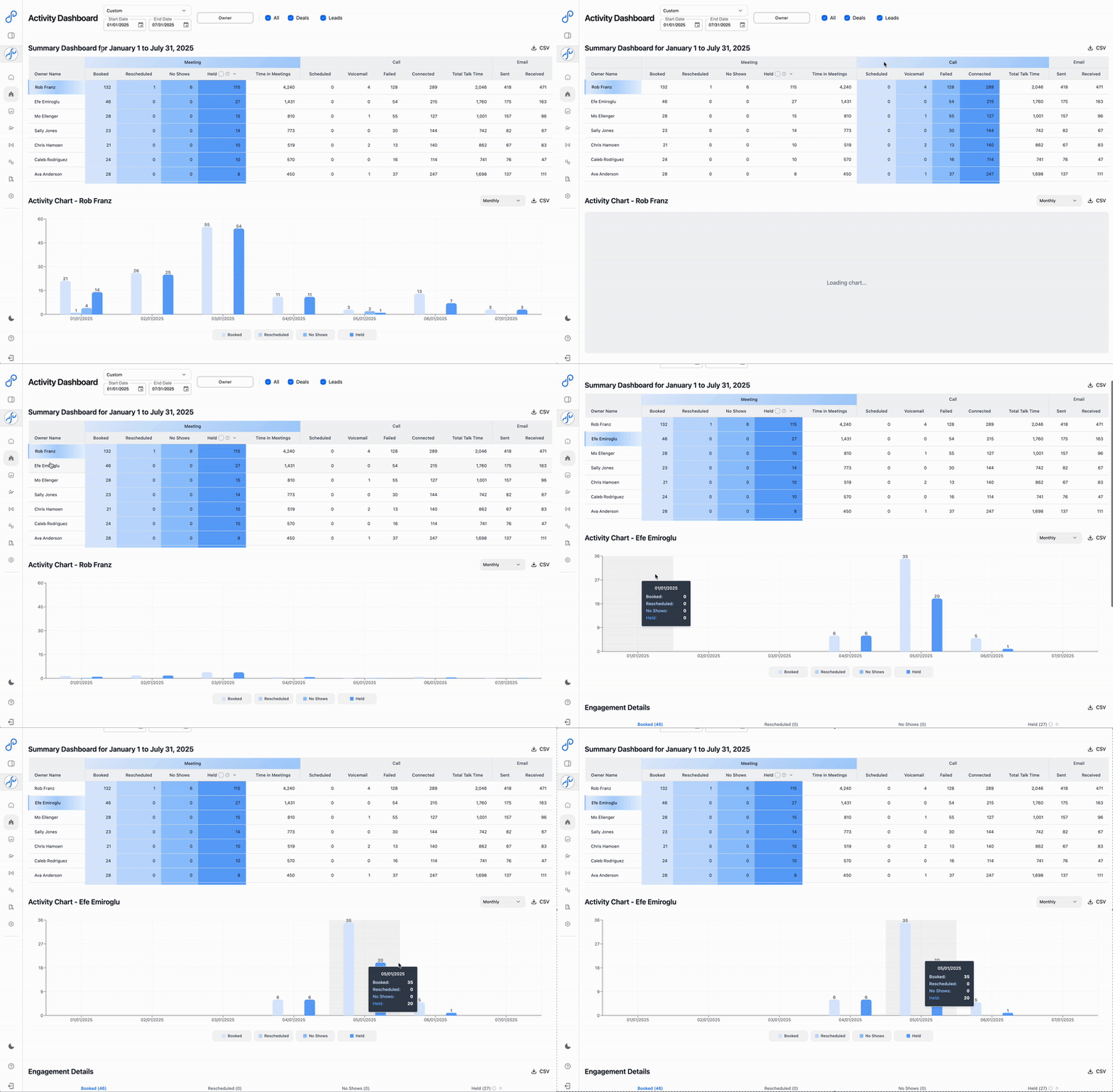
Product Update: Activity Dashboard and Deal Pulse Help Overlay
Get comprehensive team activity insights with dynamic filtering and sorting, plus an interactive hel...
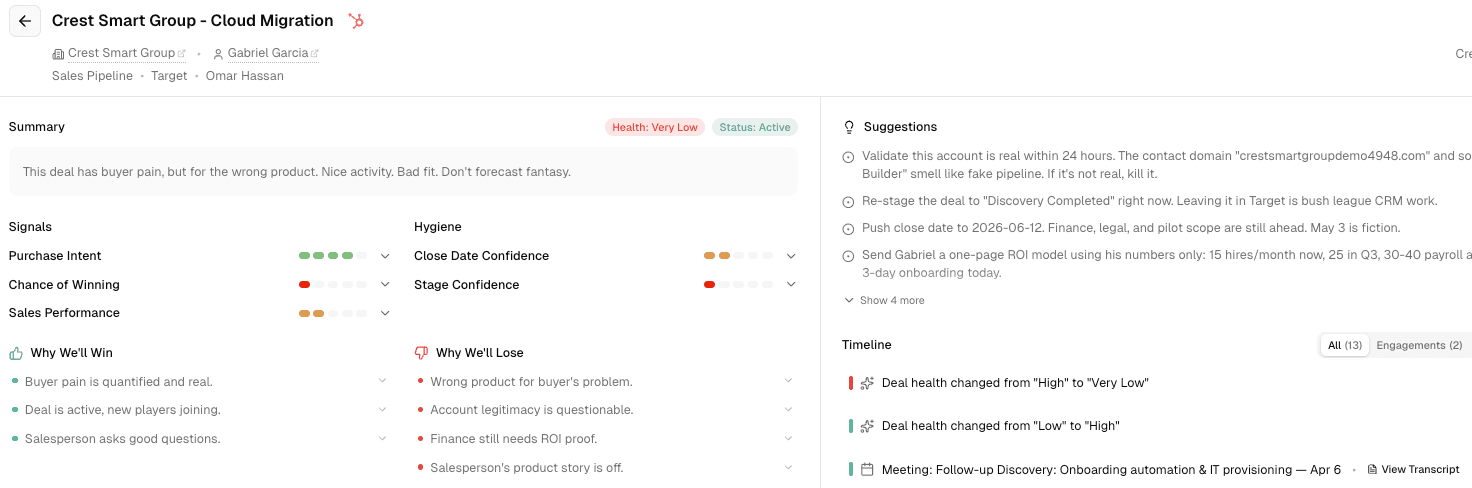
Product Update: Deal Health Trends, Meeting Transcripts, and AI Analysis Improvements
Open deals now show health trends, meeting transcripts are available in the deal timeline, and Data Parrot's AI analysis has improved across the app.